DTMF in VoIP: Fix Keypad Tones That IVRs Ignore
DTMF in VoIP: Fix Keypad Tones That IVRs Ignore
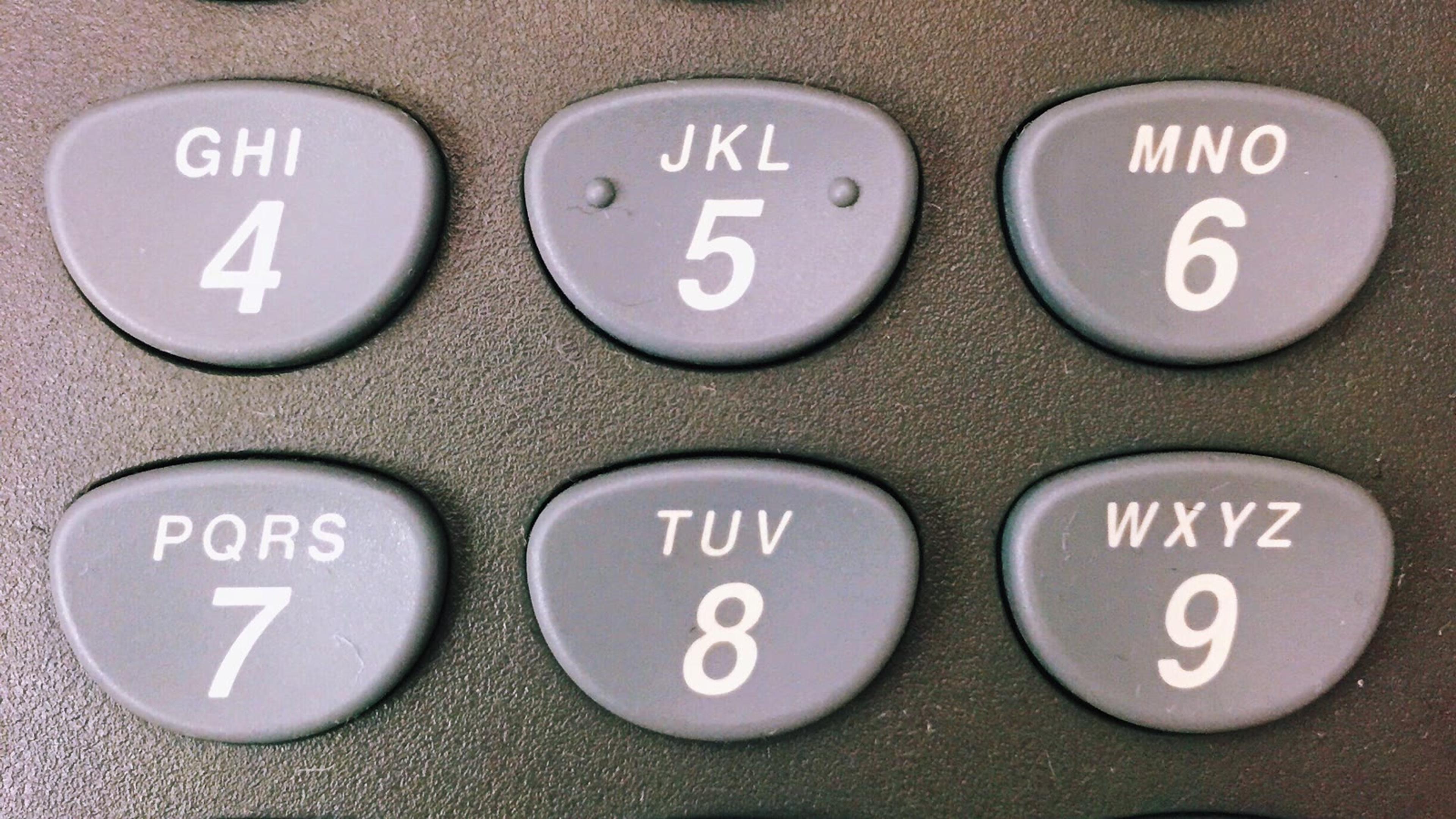
A call connects, speech sounds clear and the keypad beeps in the user's ear—yet the Interactive Voice Response (IVR) system keeps saying, “We did not receive a selection.” This is a classic Dual-Tone Multi-Frequency (DTMF) failure in Voice over Internet Protocol (VoIP), and the audible beep can send troubleshooting in the wrong direction.
The useful question is not simply whether DTMF is enabled. It is where the digit stops travelling. A key press may leave a softphone as a Real-time Transport Protocol (RTP) telephone event, a Session Initiation Protocol (SIP) INFO message or audio inside the media stream. A Private Branch Exchange (PBX), Session Border Controller (SBC), trunk or far-end gateway may then expect a different method. The workflow below turns that chain into a controlled test rather than a settings lottery.
What DTMF does during a VoIP call
DTMF represents each keypad key with a pair of frequencies. Traditional telephone networks carried those tones in the audio path. IP calling can still do that, but it can also represent a key press as a separate event. That distinction matters because “I can hear the tone” proves only that the app or device played local feedback. It does not prove that the destination received a usable digit.
DTMF commonly drives:
- IVR and auto-attendant menus;
- voicemail PINs and playback controls;
- conference bridge access codes;
- payment or account-number entry;
- door-entry and other telephony control systems.
A customer-facing menu deserves realistic testing, not just a call from the administrator's desk phone. The SessionTalk guide to designing an auto attendant explains how menu structure and caller behaviour affect the wider experience. Here, the focus is narrower: proving that every required endpoint and route can deliver the digits that menu expects.
The three ways DTMF travels over VoIP
Before changing a setting, identify the method negotiated or configured on each side of the failing boundary. Labels vary between vendors, so read the protocol evidence as well as the interface.
RTP telephone events: RFC 4733, often labelled RFC 2833
RTP events carry keypad activity alongside the voice stream without encoding the key as ordinary audio. RFC 4733 updated and obsoleted RFC 2833, but many PBX, phone and trunk interfaces still call this option “RFC 2833.” Other labels include “RTP events,” “out-of-band RTP” and `telephone-event`.
During call setup, the Session Description Protocol (SDP) should advertise a telephone-event payload, for example:
`a=rtpmap:101 telephone-event/8000`
A related `fmtp` line may advertise supported events, often digits 0–15. The dynamic payload number—101 in this example—is not universal. Both ends must use the value negotiated for that media leg. In the RTP stream, a key produces event packets containing the event number, duration and an end indication. Repetition improves tolerance to packet loss; it should not create repeated menu choices when interpreted correctly.
RTP events are usually the most dependable option across compressed codecs and transcoding, provided every media boundary negotiates and forwards or regenerates them correctly.
SIP INFO
With SIP INFO, a key press becomes a mid-dialogue SIP request. The request body may contain fields such as `Signal=5` and `Duration=160`, depending on the implementation and content type.
Because SIP INFO travels on the signalling path, it is separate from the RTP media stream. That can be useful, but both ends must agree on the method and body format. An SBC or PBX may accept the INFO request on one leg yet fail to translate or relay it on the next. A `200 OK` response proves the request was accepted at that SIP hop; it does not automatically prove that the remote IVR acted on the digit.
In-band audio tones
In-band DTMF places the tone inside the audio stream. It can work with an uncompressed codec such as G.711 on a clean path, but it is vulnerable to compression, transcoding, packet loss, noise suppression and other audio processing. A low-bitrate codec optimised for speech may distort a tone enough that a detector no longer recognises it.
In-band is sometimes necessary for legacy equipment, but do not select it merely because a user can hear a beep. Confirm the codec end to end, determine whether media is transcoded and test the actual destination detector.
Let the symptom narrow the search
The pattern of failure often tells you which boundary to inspect first.
No destination recognises any key
If every digit fails on every external IVR, check the endpoint's configured method and the first SDP offer/answer. Look for `telephone-event` support when RTP events are expected. If the endpoint sends SIP INFO, confirm the PBX route accepts that format.
If internal voicemail works but external IVRs fail, the endpoint-to-PBX leg is probably usable. Focus on the PBX or SBC translation and the outbound trunk's DTMF requirement.
Internal menus work but one external service fails
Do not immediately reconfigure the whole estate. Compare a successful external destination with the failing one using the same endpoint and route. The far-end carrier, gateway or IVR detector may differ. Record called number, route, codec and capture timestamps so the trunk provider can examine the correct leg.
Keys fail only in one call direction
A media relay or SBC can negotiate different codecs, payload numbers and DTMF methods on its two legs. Inspect each offer and answer separately. The inbound side might receive payload 101 while the outbound side negotiated 96; a compliant intermediary should translate or regenerate events rather than copy the wrong payload type unchanged.
Digits are duplicated, delayed or intermittent
Duplicate menu selections point toward event duration, repeated end packets being interpreted incorrectly, or two methods being sent at once. Intermittent misses suggest packet loss, short event durations, transcoding pressure or an inconsistent route. Capture several keys with deliberate spacing. Do not “fix” the problem by asking users to press keys repeatedly; that can make duplication harder to diagnose.

A capture-led DTMF VoIP troubleshooting workflow
Use one known test endpoint, one called service and one route. Change one variable at a time. Keep a test log with the call time, caller, destination, endpoint version, network, codec, DTMF mode and result.
1. Establish a simple failure case
Call a predictable destination such as a test IVR, voicemail box or conference bridge. Press a short sequence—`1`, `5`, `9`, `0`, `*`, `#`—once each, leaving a gap between presses. Note exactly which digits are accepted.
Repeat from a second endpoint through the same PBX route. Then use the original endpoint against an internal application if available. These comparisons separate endpoint-specific failures from route-specific ones without touching production settings.
2. Draw the actual call path
Document every signalling and media boundary:
- softphone or desk phone;
- local router or firewall;
- PBX;
- SBC or media relay;
- SIP trunk or upstream carrier;
- destination gateway and IVR.
Signalling and media may take different paths. Direct media can cause the endpoints to exchange RTP while the PBX remains in the SIP path. Encryption may also limit where a readable capture can be taken. Choose capture points on both sides of the suspected boundary where authorised and technically possible.
3. Read the SDP before inspecting key presses
Find the audio media description in the SIP offer and answer. For RTP events, verify:
- `telephone-event` is advertised by both sides;
- the negotiated clock rate is understood—8000 is common for DTMF telephone events, even when wideband audio is also offered;
- the dynamic payload type used on that media leg matches the SDP;
- the advertised event range includes the keys you need;
- renegotiation after hold, transfer or session refresh does not remove or change support unexpectedly.
Do not assume the same payload number applies to both sides of a B2BUA (Back-to-Back User Agent), PBX or SBC. Each leg can have its own SDP negotiation.
4. Inspect what happens when a key is pressed
For RTP events, a packet analyser should identify telephone-event packets. Check that the event number corresponds to the key, duration increases across the event and an end indication is present. A handful of repeated terminal packets can be normal resilience behaviour. What matters is whether the intermediary and destination interpret them as one completed key press.
For SIP INFO, look for an in-dialogue INFO request at the key-press time. Check the content type, signal value, duration and response. Then determine whether the next SIP leg contains a corresponding message or whether the PBX converts it to RTP events.
For in-band tones, inspect or securely analyse the decoded audio only where policy permits. Confirm the codec and any transcoding stages. A waveform on one capture point does not prove the tone survives the next stage.
5. Find the first boundary where evidence changes
Compare captures in sequence:
- Event exists at the endpoint but not after the PBX: inspect endpoint compatibility, PBX DTMF mode and media handling.
- Event enters the SBC but leaves with the wrong payload type: inspect negotiation and interworking rules.
- SIP INFO is acknowledged locally but absent on the trunk: inspect relay or conversion policy.
- In-band tone is clean before transcoding but damaged afterwards: avoid that transcoding path or use an agreed event method.
- Valid events reach the trunk edge but the IVR still ignores them: provide timestamps, call identifiers and packet evidence to the upstream operator.
This “first changed boundary” is more useful than a long list of possible causes because it identifies who controls the correction.
6. Apply the smallest justified correction
Align the methods on the two sides, or configure the PBX/SBC to perform supported interworking. Examples include enabling RTP telephone events on a trunk that expects them, correcting a payload mapping, accepting the required SIP INFO content type, or keeping a legacy in-band route on G.711 without destructive transcoding.
Avoid enabling several methods simultaneously unless the platform documentation explicitly requires it. Some endpoints can send an audible in-band tone and RTP events together, leading a permissive detector to register two digits.
7. Prove the fix beyond one successful key
Repeat the same sequence several times. Test short and longer presses, `*` and `#`, hold/resume, transfer and any route that invokes a new media negotiation. Then test representative desktop and mobile softphones over Ethernet, Wi-Fi and mobile data. Save the successful settings and capture references as the acceptance baseline.
Why codecs, transcoding and security complicate DTMF
DTMF is a cross-layer feature. A SIP trace can look correct while media events disappear elsewhere, and clear audio can coexist with broken keypad signalling.
Codec changes mainly threaten in-band tones
Speech codecs are designed around human voice, not necessarily the precise frequency pair and duration a DTMF detector expects. Multiple encode/decode cycles increase risk. If in-band operation is mandatory, minimise transcoding and validate with the exact codec chain used in production.
RTP telephone events avoid encoding the key as speech, but they still depend on SDP negotiation and correct packet forwarding. Switching codecs will not repair a mismatched telephone-event payload.
Hold and transfer can renegotiate media
A call may accept digits before a transfer and fail afterwards because the new dialogue or media leg has different capabilities. Capture the re-INVITE or new call leg and compare its SDP. Test attended transfer, blind transfer, hold and queue delivery if those flows are part of normal operations.
Encryption changes where you can inspect
Transport Layer Security (TLS) can protect SIP signalling, while Secure Real-time Transport Protocol (SRTP) protects media. These controls should not be disabled casually for troubleshooting. Use authorised endpoint, PBX or SBC diagnostics at a point where the system can lawfully expose decoded metadata, and protect captures because they may contain numbers, identifiers or keypad-entered information.
Never use a live payment or authentication journey as an informal packet-capture target. Build a non-sensitive test flow and follow retention and access policies.
Build a DTMF acceptance test for a softphone rollout
DTMF should be part of deployment acceptance, not an incident discovered after launch. A useful matrix includes:
- each supported desktop and mobile operating system;
- managed Wi-Fi, Ethernet and mobile-data paths;
- internal voicemail and auto attendant;
- representative external IVRs and conference services;
- inbound and outbound trunk routes;
- hold, transfer and queue-delivery scenarios;
- the negotiated codec and DTMF method;
- expected and observed digit sequence.
Give each result a traceable call timestamp and owner. If a route depends on translation—SIP INFO on one side and RTP events on the other—state that explicitly. Future upgrades can then repeat the same cases instead of rediscovering the working combination.
Turn a keypad mystery into a repeatable test
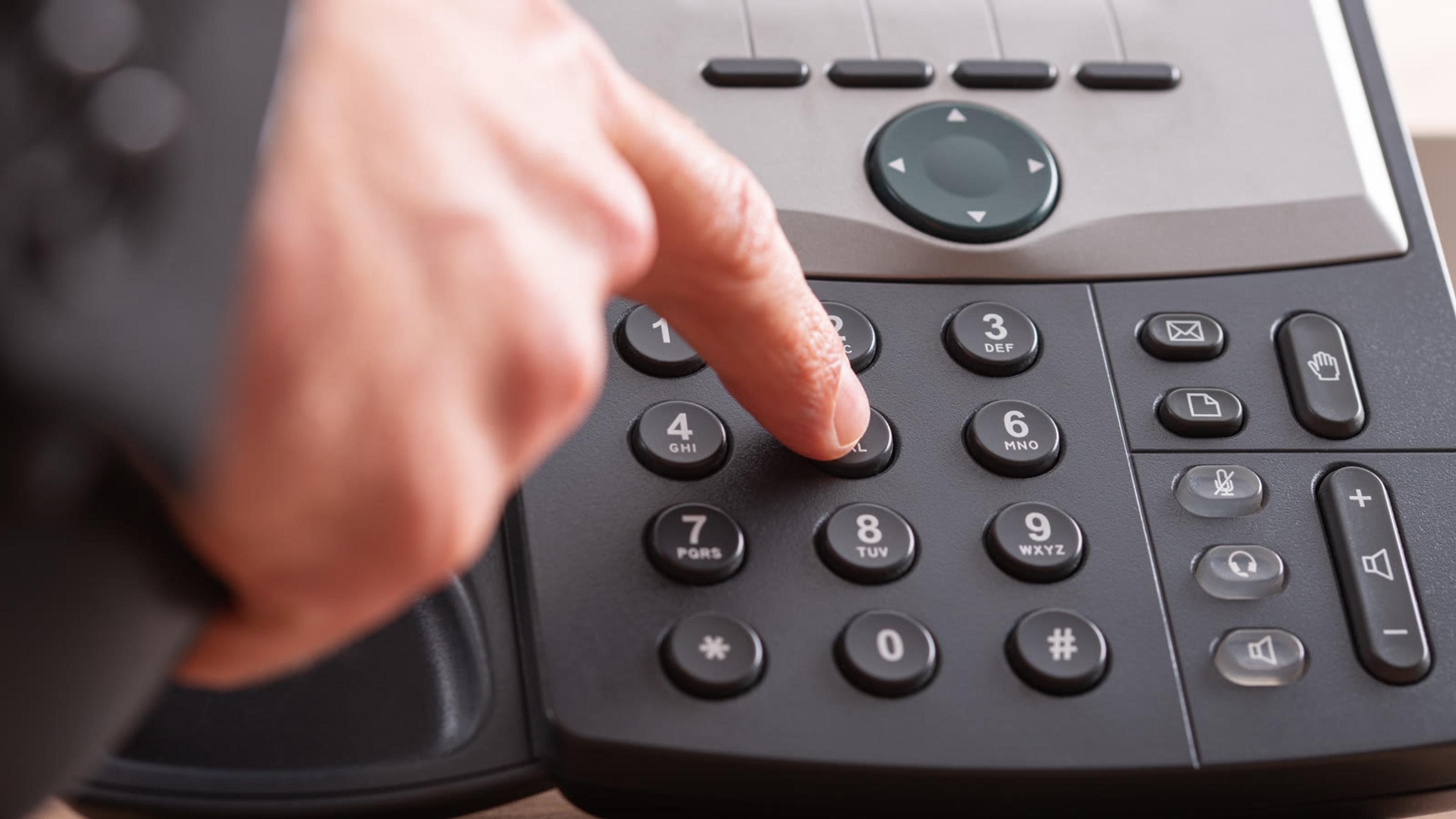
When an IVR ignores keys, listening for a beep is not enough. Identify the transport method, read the SDP, capture the key press at the right boundaries and locate the first point where the evidence changes. That process separates endpoint configuration from PBX interworking, trunk negotiation and far-end detection.
If you want to validate the path with a representative user group, start a SessionCloud trial and run the same DTMF acceptance cases across desktop and mobile softphones before wider deployment. SessionTalk can also discuss managed provisioning or branded SIP softphone requirements when consistent endpoint configuration is part of the rollout.