SessionPBX: Your Business Phone System, Unified
SessionPBX combines voice and video calling with team messaging in one unified communications platform, with native apps on Windows, macOS, iOS and Android. Fully hosted, with no servers for your team to run.
Reseller or MSP? Sell it with your logo
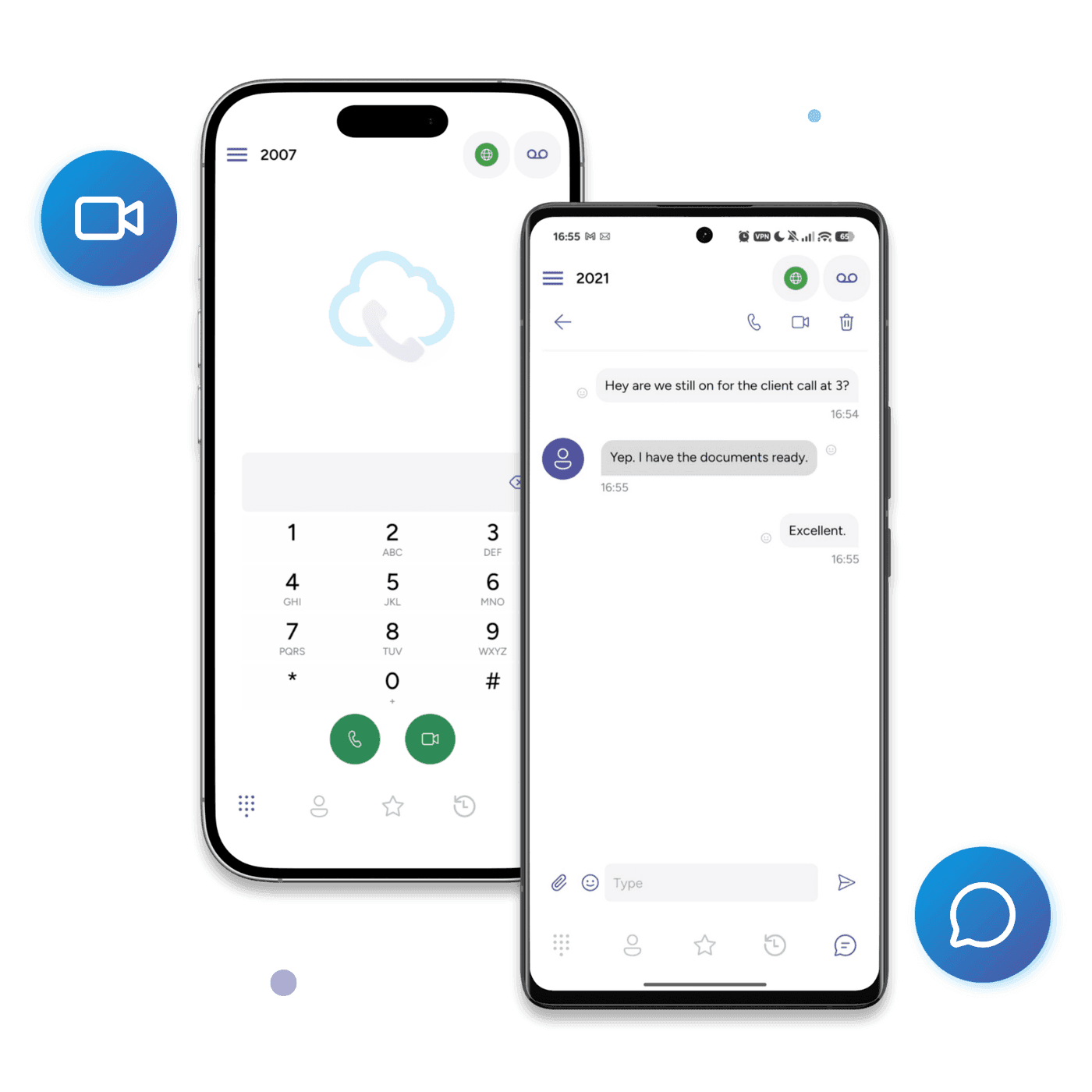
One Platform, Every Layer of Team Calling
Softphones, a managed PBX, and messaging that all speak to each other out of the box — pick a layer to start with, add the rest as you grow.
Hosted PBX
A managed SIP + messaging platform for growing teams — dedicated SIP domain, hosted PBX, and QR-provisioned softphones.
SIP Softphones
Native SIP softphones on Windows, macOS, iOS and Android — deploy branded to your customers or your team in minutes.
Team Messaging, SMS & MMS
Team chat and customer texting in one softphone. Connect a messaging provider or your own service, with MMS on supported connections.
Business SMS and MMS
Your business number.
More ways to connect.
Add customer texting to the softphone your team already uses for calls. Connect a supported provider, bring an HTTPS gateway, or run your own messaging service.
Explore messaging options- Keep SIP calling with your existing PBX
- Connect several messaging providers in one project
- Choose a managed inbox or your own server
- Add attachments where your service supports MMS
For BYO PBX accounts with messaging configured. Number, provider and app requirements apply.
Built for Service Providers and Businesses
Whether you're a VoIP operator shipping branded softphones, a reseller selling phone systems, or a growing team — same platform, three lanes in.
For VoIP Operators
Your own app under your brand
- White-Label — a fully white-labelled iOS + Android app under your own developer account, on your own App Store listing. From $400 USD/month.
- Includes cross-platform apps, HD video, and enterprise encryption.
For Resellers & MSPs
Sell voice with your logo
- Resell SessionPBX with partner pricing and set your own customer prices. App logo branding is included on Teams Business and available as an add-on on Teams Phone.
- Hosted or self-hosted with the same partner discount, and you bill your own customers.
For Growing Teams
Managed team calling, no PBX to run yourself
- Hosted PBX and messaging, run by us — a private SIP domain, TLS-encrypted signaling, monitored 24/7. Nothing to install or patch.
- QR-code auto-provisioning: invite by email, they scan, the softphone configures itself. No SIP settings, no tickets.
- $20 USD/month for 5 seats, $3 USD per additional seat. Bring your own SIP trunk for PSTN and pay your carrier direct — no per-minute markup, no long-term contract.
Compatible with Any SIP Platform
No vendor lock-in. SessionCloud works with every major SIP-based PBX and hosted platform out of the box.
4
Platforms supported
40+
Languages built in
16
Concurrent SIP accounts
6
Simultaneous call lines
Branded onboarding emails
Your brand, from inbox to first call.
Give users a familiar welcome before they even open your softphone. Send QR codes and desktop setup links by email from SessionCloud, with your provider identity and clear instructions to get connected.
- QR codes, straight to their inbox
- Send mobile setup emails from the portal with your provider name and logo. Users open your softphone, scan their QR code, and load their account settings without typing SIP credentials.
- Desktop setup in a click
- Email a desktop setup link with your provider name and, when configured, an app download link. Users install the app and follow the setup link, with a setup code available as a fallback.

Your softphone is ready to set up
Hello,
Your administrator at Luma Connect has prepared your setup for Luma Connect softphone.
Scan your setup QR code
Open the app on your phone or tablet and choose the QR code scanner. Allow camera access, then scan the code below to set up your account.

Reading this on the same phone? Open this email on another screen so you can scan the code.
Need help getting connected? Contact support@luma.example.
Regards,
Luma Connect Administrator
VoIP providers: add your service to SessionTalk
Upload your softphone configuration and logo in our provider portal. Customers select your service when adding a SIP account in SessionTalk Free or Paid on iOS and Android.
Portal available now. Mobile provider-directory support is being prepared for testing.
Ready to Try SessionPBX?
Calls, video and messaging for your whole team in one business phone system. Start with a free trial.