Missed Call Text Back: Recover Enquiries Without Annoying Callers
Missed Call Text Back: Recover Enquiries Without Annoying Callers
A customer calls while your receptionist is helping someone else. The call rings out, the customer leaves a voicemail, and a colleague returns it two minutes later. If an automatic message then arrives saying, “Sorry we missed you—how can we help?”, the technology has created confusion rather than recovery.
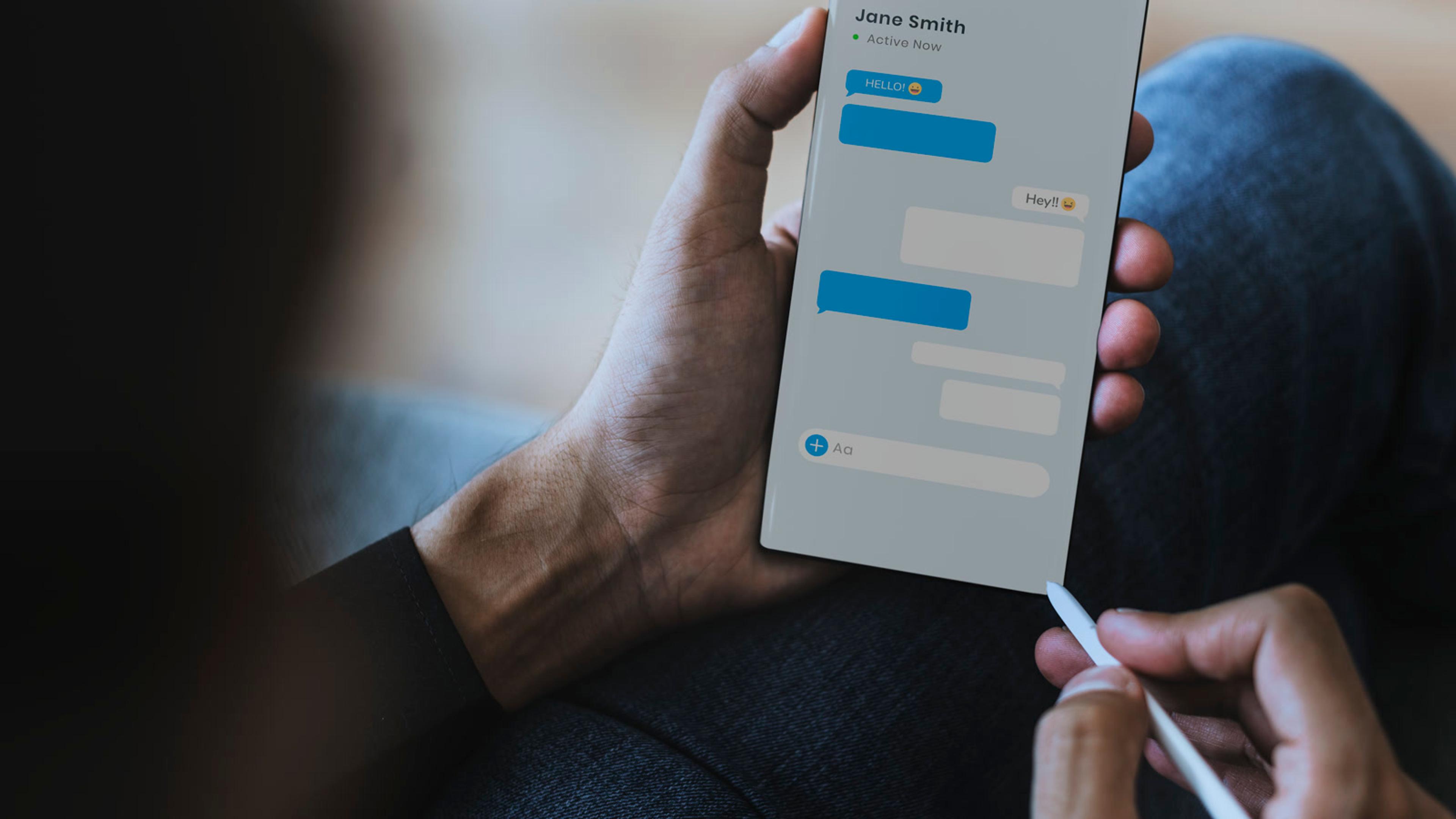
Missed call text back can be useful, but only when it is designed as a service workflow. It uses Short Message Service (SMS) to acknowledge an unanswered call and open a reply channel. The difficult part is not sending the text. It is deciding which call outcomes qualify, when to wait, who owns the reply and how the text fits around voicemail and a human callback.
This guide shows UK small businesses how to make those decisions without treating automation as a substitute for answering the phone.
Can You Automatically Text Someone After a Missed Call?
Yes. A phone or communications platform can use the final status of an inbound call to trigger a message to the caller's mobile number. The text might confirm the business name, acknowledge the call and ask one simple question.
That basic description hides several decisions. An inbound call can be unanswered, busy, rejected, abandoned in a queue or completed in voicemail. A colleague may also call back before the automated message is sent. If all of those events produce the same text, customers will quickly see the workflow as careless.
Treat the automation as three connected systems:
- Call detection decides whether the event genuinely needs recovery.
- Messaging and ownership sends an appropriate acknowledgement and assigns any reply.
- Voice handoff gives the responsible person the context needed to call back without asking the customer to repeat everything.
Decide What “Missed” Means in Your Call Flow
Start with the call states generated by your existing phone system. Do not enable a catch-all rule until the team agrees what each state means operationally.
Unanswered after normal ringing
The call reached one or more available users but nobody answered before the timeout. This is the clearest candidate for text back, especially when the caller did not leave voicemail and no callback has started.
Busy or no available agent
The destination was occupied or a queue had no eligible agent. This may need a message, but it should also trigger an operational review. Texting callers cannot compensate for a permanently understaffed queue or a routing rule that excludes the right people.
Rejected by a user
A user actively declined the call. On a mobile device, that may mean the person was driving, in a meeting or about to call from another line. A short delay before texting gives that user time to take ownership.
Caller abandoned the queue
The caller disconnected before reaching an agent. The right response depends on how long they waited and what they heard. Someone who hung up after two seconds may have dialled accidentally; someone who waited through an Interactive Voice Response (IVR) menu and several queue announcements showed clearer intent.
Voicemail completed
A caller who left a message has already supplied context. Sending a generic “How can we help?” text ignores that effort. Either suppress the text, or acknowledge the voicemail specifically and state what will happen next.
Write these definitions down. They become the acceptance criteria for the pilot and make it easier to explain unexpected messages later.
Build Trigger Logic That Allows Humans to Catch Up
An instant response sounds impressive, but the fastest message is not always the best one. The workflow needs enough time to recognise a callback, completed voicemail or second call.
Add a deliberate delay
Choose a short delay based on how your team works rather than copying a vendor default. During business hours, a few minutes may allow the original user or queue owner to return the call. Out of hours, a different message can set an honest expectation for the next staffed period.
Suppress repeat messages
Set a cooling-off period for the same caller and number. If a customer tries twice in quick succession, they should not receive two identical texts. Also define what happens if one person calls several branch numbers that feed the same team.
Cancel when a human takes action
A callback, answered second call or manually opened conversation should stop the pending automation. Cancellation should work across users, not only for the person who originally received the call.
Exclude unsuitable numbers
The workflow needs a policy for withheld caller identity, landlines that cannot receive SMS, service numbers and suspected nuisance calls. Failed delivery should not remain silently assigned as if the customer had received it.
Separate business-hours and out-of-hours behaviour
A daytime message can promise a near-term callback only if the team can meet it. An evening message should avoid pretending someone is monitoring replies when nobody is. If out-of-hours texts enter a shared inbox, make the next owner and response window explicit.
Write Messages That Move One Enquiry Forward
The best missed call text back message is recognisable, brief and easy to answer. It should identify the business, acknowledge the call and offer one useful next step. Avoid a menu of links, a sales pitch or a promise the team cannot keep.
New sales enquiry
“Hello, this is North Street Kitchens. Sorry we could not answer your call. What would you like help with? Reply here, or tell us a convenient time to call you.”
This works because the caller can supply context or request voice contact without navigating a booking page.
Appointment-based service
“Hello, this is Riverside Physio. We have your call and will review it shortly. If this is about an existing appointment, reply with the appointment day only—please do not include medical details by text.”
The wording sets a privacy boundary and gives the team a useful routing clue.
Urgent field-service request
“Hello, this is Oakfield Heating. Sorry we missed your call. Is this an existing job or a new request? Please do not send payment details by text. We will confirm the next step when a team member replies.”
Do not imply emergency coverage unless the business actually provides it. Where there is a genuine emergency route, keep it separate and prominent.
Voicemail already received
“Hello, this is Westview Accountancy. Thank you for your voicemail. Our team will review it and call you back during today’s office hours. Reply only if your preferred callback time has changed.”
This acknowledges what the customer already did instead of asking them to start again.
Give Every Reply a Visible Owner
Automation can acknowledge the call, but a person must own the conversation. Without ownership, a shared inbox becomes another queue where everyone can see the message and nobody acts.
Assign ownership using the information you already have:
- the number or department the customer called;
- the IVR choice or queue they reached;
- whether the caller is an existing customer;
- the last employee who spoke to that number;
- business hours, agent availability and escalation rules.
Show a clear state such as new, owned, waiting for customer, callback booked or closed. If two employees open the thread, the system should make the current owner obvious before either responds.
This is where broader SMS and omnichannel channel planning matters. Number identity, access permissions, message history and voice handoff need to remain consistent when several people share responsibility.

Coordinate the Text With the Voice Callback
A text conversation should not become a dead end when the customer asks to speak. Give the owner a simple route back to voice and preserve the useful context.
Before calling, the employee should be able to see:
- the original called number and call time;
- queue, IVR selection and final call status;
- whether voicemail was left;
- the automated message and customer reply;
- previous callback attempts and the current owner;
- any safe, relevant customer record linked to the number.
If the business uses a Customer Relationship Management (CRM) system or helpdesk, decide which system holds the authoritative activity record. Copying every event into every system can create duplicates. Recording nothing leaves the next employee blind.
A sensible minimum record is the original call, the acknowledgement, the customer’s reply, the owner, the agreed next action and the final outcome. Restrict access according to role and avoid putting sensitive customer details into notification previews.
Add Safeguards Before Inviting Replies
A service text after a customer’s call still deserves careful privacy and communication controls. The exact obligations depend on the purpose, wording, data and circumstances, so obtain appropriate advice for your business rather than treating a software setting as legal approval.
Build practical safeguards into the workflow:
- identify the business clearly so the recipient knows why the text arrived;
- state how replies will be monitored and avoid misleading response promises;
- give recipients a clear way to stop messages and make sure suppression is honoured across connected tools;
- separate a service acknowledgement from later promotional messaging;
- minimise personal data in the message, inbox preview and linked records;
- define retention periods and role-based access for message history;
- protect exported reports and avoid exposing complete customer conversations unnecessarily;
- test reassigned or recycled numbers, where the current recipient may not be the person in the CRM.
A stop request must be visible to employees as well as automation. Otherwise, a well-meaning colleague may restart the conversation manually after the customer has opted out.
Run a Pilot With Real Failure Scenarios
Start with one published number, one team and one business-hours pattern. A small pilot makes trigger mistakes visible before they affect every caller.
Use test calls that cover more than the happy path:
- Let a call ring out without voicemail and confirm one message is sent after the intended delay.
- Leave a voicemail and verify the generic message is suppressed or replaced by the voicemail-aware version.
- Make a human callback during the delay and confirm the pending text is cancelled.
- Call twice from the same mobile and verify repeat suppression.
- Abandon immediately, then repeat after progressing through the IVR, and compare the two outcomes.
- Call out of hours and check that the wording and inbox ownership match actual staffing.
- Reply to the text and verify one named person owns it.
- Ask for a callback and confirm the employee can see the original call and message context.
- Send a stop request and verify all connected systems respect it.
- Test a failed SMS destination and confirm it is reported rather than marked as successful recovery.
Include frontline employees in the review. They will spot practical conflicts such as a message arriving while they are already leaving voicemail for the caller or two branches trying to claim the same enquiry.
Measure Recovery Quality, Not the Number of Texts Sent
A high send count may simply mean the business is missing more calls. Measure whether the workflow creates useful, well-owned outcomes.
Track a small set of operational measures:
- eligible missed calls versus messages actually delivered;
- callers who replied with a genuine enquiry;
- successful callbacks and agreed next actions;
- median time until a human owner accepted the conversation;
- duplicate texts, duplicate callbacks and incorrect triggers;
- opt-outs, complaints and messages that exposed confusing context;
- enquiries resolved without another avoidable contact.
Review samples as well as totals. A message can be technically delivered and still be poorly timed or unhelpful. Link the review to your wider approach for measuring first contact resolution, especially when a text moves into a call or helpdesk case. The objective is not to keep the conversation in SMS; it is to reach a satisfactory next step with minimal repetition.
Use the Pilot to Fix the Calling Setup Too
Missed call text back is a recovery layer, not permission to ignore the cause of missed calls. Pilot data may reveal that the real problem is an overly short ring time, an unavailable queue member, poor mobile connectivity or an unclear overflow route.
Review the phone setup alongside the messaging workflow. Check which users ring, how long each stage lasts, where unanswered calls overflow, whether mobile team members can answer reliably and whether call history gives managers enough visibility. Fixing those issues may reduce the number of recovery texts while improving customer service.

Make Missed Call Text Back Helpful, Not Merely Fast
A useful missed call text back workflow understands the difference between silence, voicemail, a pending callback and a repeat call. It sends a recognisable message, gives the reply to a named owner and preserves enough context for a smooth return to voice.
Before adding SMS automation, validate the calling foundation. Run a focused SessionCloud trial with a small team to test routing, mobile availability, call history and missed-call ownership under real working conditions. Use what the pilot reveals to decide where a text-back workflow belongs—and where better call handling should prevent the miss in the first place.