Software License Management for SMB | IT Checklist
Software License Management for Small Business: IT Checklist
Software license management for a small business means knowing which paid apps and seats you own, who is using them, when they renew, and which licenses can be reclaimed before the next invoice — not a spreadsheet that was accurate six months ago. For roughly 20–100 person companies, a useful software license management programme inventories Microsoft 365 / Office 365 and other SaaS seats alongside desktop/server licenses, maps each entitlement to a named owner, runs a light software license audit before renewals, and ties joiner/leaver steps so unused licenses do not keep billing. This playbook is a practical software-license-management checklist for IT managers: what to track in 30 days, how it differs from shadow-IT discovery and SaaS buying, and how it sits next to onboarding and helpdesk — without fake compliance fine amounts or a hosted-PBX pitch.
What is software license management (and how is it different from shadow IT or SaaS vendor evaluation)?
Software license management is the practice of tracking paid software entitlements — seats, SKUs, renewals, and proof of what you bought — so you know what the company pays for, who has access, and what can be reclaimed before the next invoice. Software licensing is the umbrella term for those commercial rights; this post stays on the SMB seat-and-renewal playbook, not a glossary of license types.
It is not the same as shadow IT. Shadow IT finds unmanaged apps people already use. Software license management decides whether those apps (or any paid tool) stay on the commercial register, get approved seats, or get retired. Discovery and entitlement tracking are related; they are not the same job.
It is also not SaaS vendor evaluation. Evaluation is the buy-or-replace decision before you subscribe. License management is ongoing seat hygiene on tools you already own — who has a seat, whether they still need it, and when the contract renews. Link evaluation when you replace a tool; do not merge the playbooks.
Software asset management (SAM) is the broader practice of managing software as an asset across the estate. Expand SAM later if audits or complex desktop estates demand it. For most 20–100 person IT teams, the practical first slice is this license/entitlement checklist — not a full IT asset management (hardware lifecycle) inventory, which stays a separate future playbook.
Why does a 20–100 person company need a license inventory if “we only have Microsoft 365 and a few SaaS tools”?
“We only have Microsoft 365 and a few SaaS tools” usually hides the failure modes that burn budget and create audit friction:
- Leavers still holding Microsoft 365 or Office 365 seats months after exit
- Shared “team” logins that block reclaim and break password manager / MFA hygiene
- CRM, accounting, chat, or project seats assigned to people who never log in
- Desktop apps with seat counts that no longer match headcount
- Softphone or calling seats bought separately and never reconciled against active users
- Company-card SaaS that never reached IT — still billing, still unmanaged (shadow IT)
A light software license tracking programme answers four questions every month: what did we pay for, who is assigned, who is idle, and what renews in the next 90 days. You do not need invented “average 30% waste” statistics to justify the work — one unused Business Premium seat reclaimed before renewal pays for the hygiene ritual in most estates. Knowing what is installed versus what you paid for matters; do not chase a generic software-inventory-tool roundup. Stay on entitlements and renewals.

What should an SMB software license register track (seats, owners, renewals, and proof of entitlement)?
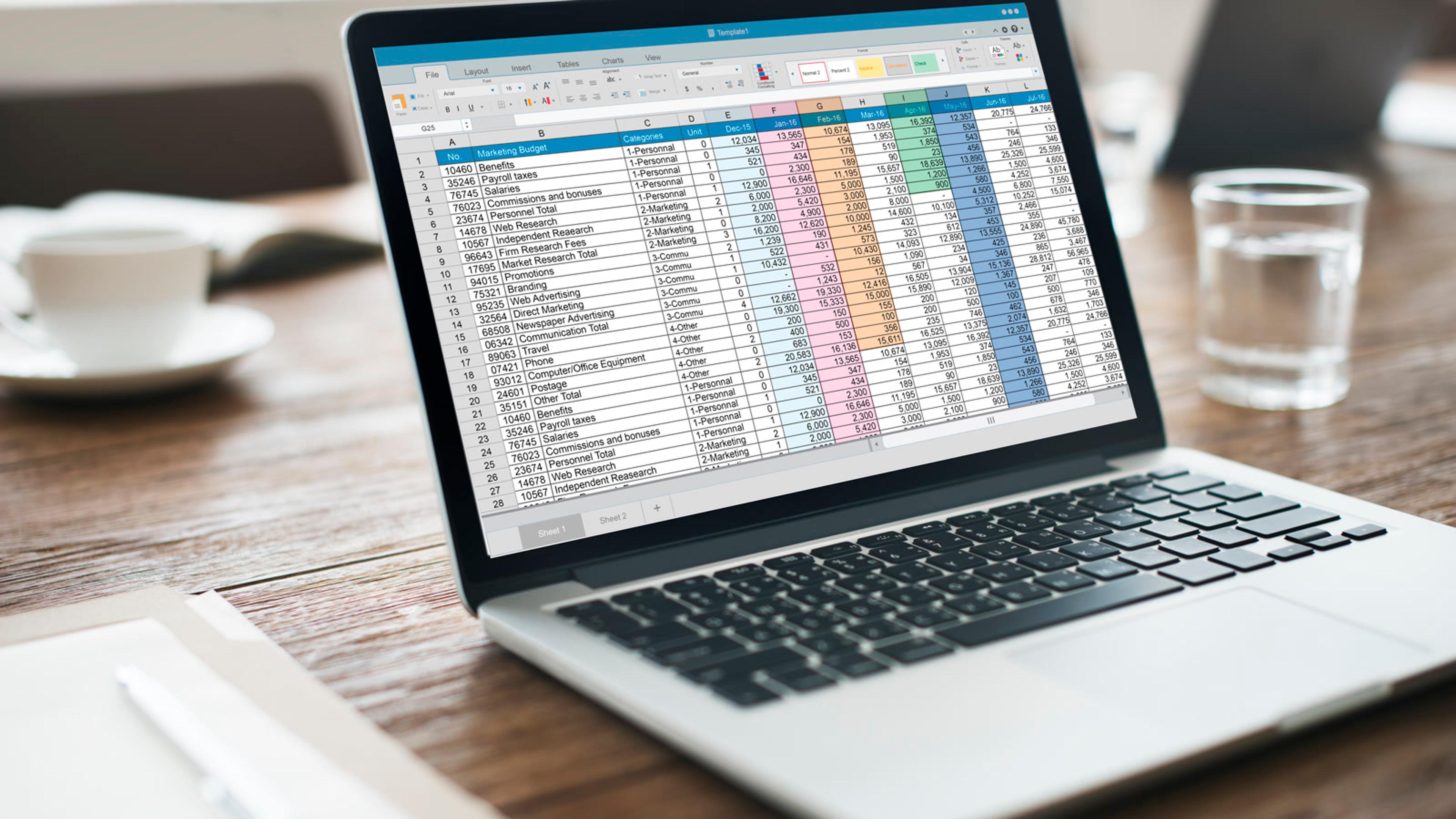
Build one register — a maintained spreadsheet or a simple SAM-lite tool — and own it. Prefer fields you will actually update over a vendor brochure full of unused columns.
Software license register fields (ops outline — not legal advice)
- Product / vendor name
- SKU or edition (e.g. Microsoft 365 Business Premium vs Apps-only)
- Quantity purchased vs quantity assigned
- Named business owner + IT admin
- Renewal date + notice period
- Billing account / PO / invoice link
- Proof of entitlement location (vault / shared drive)
- Reclaim rules (idle days, leaver SLA)
- Notes (true-ups, volume licensing quirks — plain language only)
- Last review date
Pull current seat counts from each admin console or vendor portal — do not rely on last year’s purchase order alone. Name a license owner per product (who approves new seats and renewals) and a day-to-day admin (who assigns and removes users). Store proof of entitlement where you can find it before a vendor asks: invoices, admin screenshots, license keys in the vault. That is process hygiene for a software license audit you run yourself — not a scare story with invented fine amounts.
License management vs related IT work
| Artifact | Job | Not the same as |
|---|---|---|
| Software license management | Track paid entitlements, seats, renewals, reclaim unused | Shadow IT discovery (finding unmanaged apps) |
| Software asset management (SAM) | Broader practice of managing software as an asset | This post’s focused seat/entitlement checklist (mention SAM; do not expand into full ITAM) |
| SaaS vendor evaluation | Decide whether to buy/replace a tool | Day-to-day seat hygiene on tools you already have |
| Device onboarding/offboarding | Joiners get devices; leavers return/wipe | Assigning and reclaiming the software seats on those accounts |
| Acceptable use policy | Rules for what people may install/use | The commercial register of what the company paid for |
| Endpoint security | Stop malware on devices | Counting whether an install is licensed |
How do you reclaim unused licenses without breaking someone’s workflow?
Reclaim is a criteria-driven ops step, not a punishment. Mark unused or idle seats with a rule your business owners accept — for example, no login in a chosen window, or mailbox-only accounts that do not need a full Microsoft 365 SKU. Document who approved the change before you remove or downgrade.
Practical reclaim path:
- Flag candidates from the register (assigned but idle, leavers still licensed, shared logins that should be named seats).
- Confirm with the product owner — not a silent revoke on a critical CRM account the day before month-end.
- Reassign or downgrade within a set SLA; update quantity assigned in the register the same day.
- Tie leavers to the device onboarding/offboarding checklist: disable the account and reclaim the license in the same week, not “whenever renewals come.”
- Route requests and reclaim tickets through helpdesk so there is an audit trail.
Shared admin or license-portal passwords make reclaim harder and riskier — lock those down with your password manager and MFA on vendor consoles. Spot-check installs versus paid licenses on a sample of endpoints; treat gaps as inventory fixes, not a malware hunt. Pair that sample with endpoint security and your acceptable use policy when you find unapproved software.

What does a 30-day software license management checklist look like?
Week 1 — Inventory & owners
- List every paid software class: Microsoft 365 / Office 365 SKUs, other SaaS (CRM, accounting, chat, project, security), desktop apps with seats, servers/VMs with paid licenses, and any softphone/calling seats if you buy them separately (sessiontalk.io for softphone trials if those seats are in scope).
- Pull current seat counts from each admin console (or vendor portal) — do not rely on last year’s PO alone.
- Name a license owner per product (who approves new seats and renewals) and a day-to-day admin (who assigns/removes users).
- Create one register (sheet or SAM-lite tool): product, SKU/edition, quantity paid, quantity assigned, owner, renewal date, payment method, contract link — no fake “industry average waste %” claims.
Week 2 — Match people to seats
- Reconcile assigned seats vs active employees/contractors; flag leavers still licensed and shared “team” logins (link password manager + MFA + AUP).
- Mark unused or idle seats (no login in your chosen window, or mailbox-only accounts that do not need a full SKU) — criteria for reclaim, not punishment.
- Align joiner pack: new hire ticket includes “licenses required” before day-one access (link device onboarding/offboarding + helpdesk).
- Align leaver pack: disable account and reclaim/reassign license within a set SLA (same week, not “whenever renewals come”).
Week 3 — Renewals, compliance, and shadow spend
- Build a 90-day renewal calendar; for each renewal, decide renew / downgrade / cancel with the business owner — link SaaS vendor evaluation only when replacing a tool, not for routine seat hygiene.
- Collect proof of entitlement (invoices, admin screenshots, license keys in the vault) where vendors may audit — process only; do not invent fine amounts or scare statistics.
- Spot-check installs vs paid licenses on a sample of endpoints (link endpoint security / AUP for unapproved software); treat gaps as inventory fixes, not a malware hunt.
- Cross-check spend against shadow IT findings: unapproved SaaS with a company card still needs a license decision (approve + add to register, or retire — link shadow IT).
Week 4 — Optimize & handoff
- Reclaim or downgrade clearly unused seats before the next invoice; document who approved the change.
- Set a monthly 30-minute license hygiene ritual: new seats, reclaims, upcoming renewals — own it in helpdesk or IT ops calendar.
- Publish a one-page “how to request software” path so people stop buying rogue seats (link AUP + SaaS evaluation).
- Review quarterly when headcount or tool stack changes; keep IT asset management (hardware lifecycle) as a separate future playbook — do not turn this post into a full ITAM hardware inventory.
How do license management, SAM, onboarding/offboarding, and AUP fit together?
Think of layers, not synonyms:
- Software license management — track paid entitlements, seats, renewals, and reclaim unused licenses; this post.
- Software asset management (SAM) — broader practice; start with the seat/entitlement slice above, expand later if needed.
- Shadow IT — finds unmanaged apps; license management decides pay, approve, or retire.
- SaaS vendor evaluation — buy or replace criteria; not day-to-day seat hygiene.
- Device onboarding/offboarding — joiners get devices and accounts; leavers return/wipe — assign and reclaim software seats on those accounts as a paired step.
- Acceptable use policy — behavioural rules for what people may install or use; the license register is the commercial record of what the company paid for.
- Helpdesk — license request and reclaim tickets with an owner and SLA.
- Endpoint security — stops malware on devices; it does not count whether an install is licensed.
- Password manager + MFA — protect vendor admin consoles and stop shared license-portal logins.
- When to outsource IT — optional handoff if license sprawl outgrows in-house capacity (when to outsource IT).
Optional softphone note: if you buy calling or softphone seats separately, put them on the same register as Microsoft 365 and CRM — trials stay on sessiontalk.io. Do not turn this playbook into a PBX product comparison.
Dedicated license management software or SAM tools help when product count or audit pressure outgrows a spreadsheet. Choose on criteria — connectors to your admin consoles, renewal alerts, seat reclaim workflows — not invented rankings or “best SAM tool 2026” awards. A maintained register with a named owner beats an unused platform.
FAQ
What is software license management for a small business?
Keeping an accurate register of paid software seats and entitlements, who uses them, when they renew, and reclaiming unused licenses before you overpay — usually starting with Microsoft 365 and your top SaaS tools.
Is software license management the same as software asset management (SAM)?
SAM is the broader practice. Software license management is the practical seat/entitlement slice most 20–100 person IT teams need first. Expand SAM later if audits or complex desktop estates demand it.
Do we need license management software or is a spreadsheet enough?
A maintained spreadsheet or simple register is enough to start if someone owns the monthly hygiene. Dedicated license management / SAM tools help when you have many products or audit pressure — choose on criteria (connectors, renewal alerts, seat reclaim), not invented rankings.
How often should we run a software license audit?
Light reconciliation monthly; deeper review before each major renewal and after hiring waves or tool changes. “Audit” here means your own inventory check — not a vendor scare story.
How does this relate to shadow IT and offboarding?
Shadow IT finds apps you did not know about; license management decides whether to pay, approve, or retire them. Offboarding must reclaim seats so leavers stop billing — link those live posts; do not merge the playbooks.