IP Phone System Buying Checklist | SMB Guide
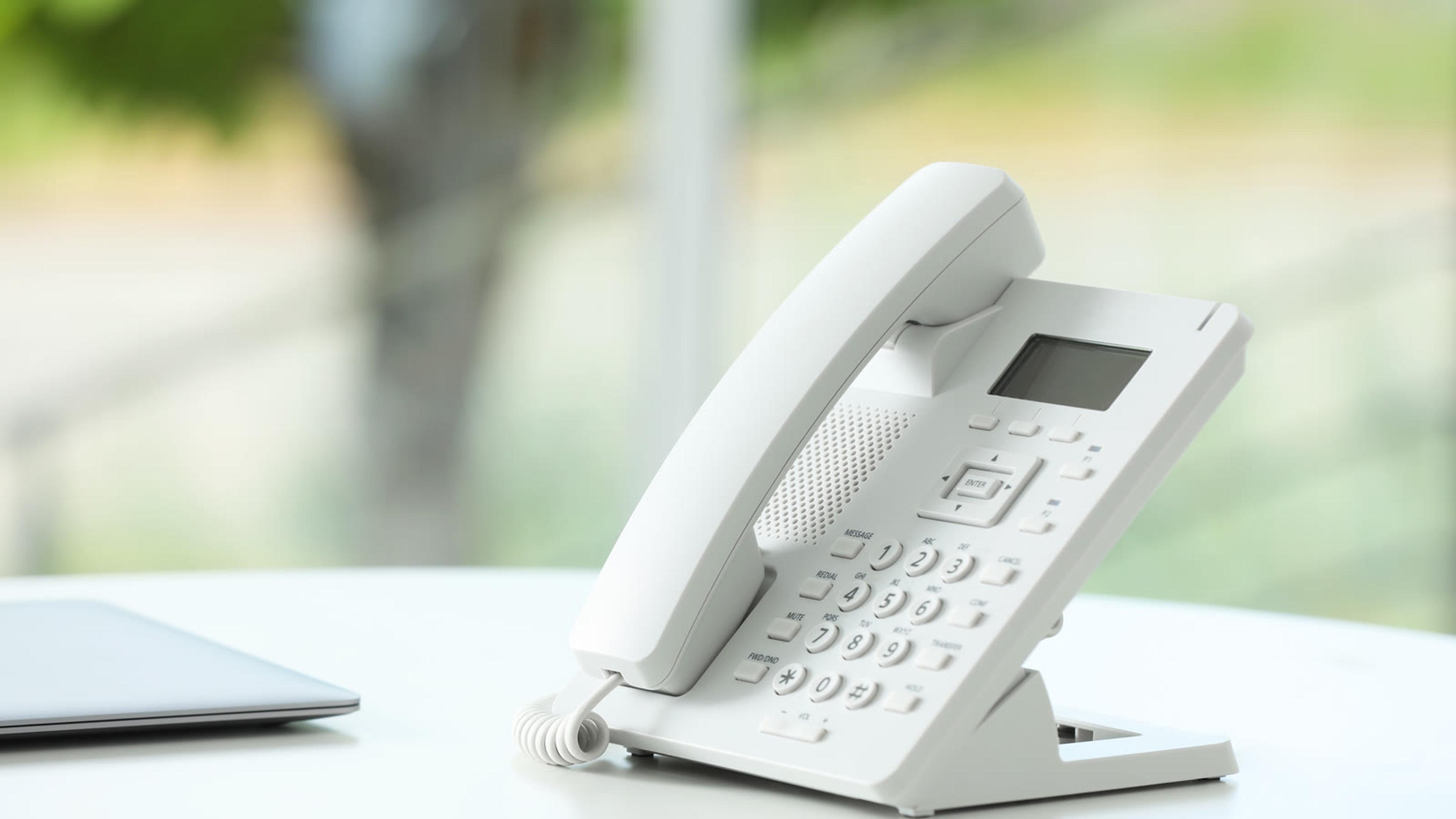
IP Phone System Buying Checklist for Small Business
An IP phone system is how your team places and receives business calls over your data network — usually desk phones, softphones, or both, registered to a cloud or on-prem call platform. For a small business, buying well means proving call quality, provisioning speed, and day-one features in a short trial — not collecting another “what is PBX” explainer. Use this checklist to decide hardware vs app, what to test on the network, and when softphones on sessiontalk.io cover remote and hybrid seats without a desk set on every desk.
What is an IP phone system in plain terms?
An IP phone system is business calling over IP: SIP desk phones and/or softphone apps register to a call platform, then place and receive calls over your LAN and the internet instead of a standalone analog key system alone. The handset or app is the endpoint; the platform handles dial plans, numbers, voicemail, and routing.
People often meet the same stack under labels like VoIP phone system or hosted PBX. Those are platform stories — for the short definition of a cloud phone system, use that explainer; this post stays on the buyer side: which seats need a desk set, which can run a softphone, and what to prove before you sign. For a wider SMB context, see also VoIP phone system for small business and PBX phone system — link those when you need the vocabulary; keep this checklist for purchase steps.
In practice you will buy (or rent) some mix of:
- IP desk phones (SIP handsets on Ethernet, sometimes Wi-Fi);
- Softphones on laptop or mobile for hybrid and remote seats;
- Numbers, channels, and day-one features (caller ID, hunt groups, auto-attendant, voicemail).
The best IP phone for a receptionist desk is rarely the best choice for a salesperson on the road. Map seats first; shop hardware second.
When do you need desk IP phones vs softphones (or both)?
Most small businesses end up with a hybrid fleet — not every seat needs a desk set, and not every call needs a softphone-only path.
| Seat type | Prefer | Why |
|---|---|---|
| Reception / shared desk | IP desk phone | Always-on handset, easy transfers, visitor-facing |
| Warehouse / floor station | Desk IP phone (or rugged handset) | Hands-free / shared use; softphone on a phone can get lost |
| Hybrid / travel | Softphone + headset | Laptop and mobile already travel with the person |
| Fully remote | Softphone (desktop + mobile) | No office Ethernet; company-managed app beats personal consumer dialers |
| Owner after-hours | Mobile softphone | Pickup without a second desk phone at home |
If you want a mixed fleet, confirm the platform supports SIP desk phones and softphone clients on the same numbers and dial plan. When you are weighing desk IP phones against a full cloud calling stack, start with what is a cloud phone system, then the cloud-based phone system buyer guide — then come back here for the hardware and trial checklist.
Cap “phone per person” spend. Many hybrid seats only need a softphone and a decent headset. Reserve budget for call-critical desks where a physical business IP phone pays for itself in speed and shared use.

What features should a small business put on the must-have list?
Ignore feature grids with fifty line items. For day one, a small business IP phone system usually needs:
- Business caller ID / outbound CLI control — so customers see your company number, not a random mobile.
- Hunt groups or simple ring groups — sales or support can share inbound load without a full call-centre build.
- Voicemail-to-email — messages leave the handset and land where people already work.
- Soft hold, transfer, and a basic auto-attendant if you take public or main-line calls.
- Mobile app or desktop softphone for owners and on-call staff — pair that with a clear out-of-hours call handling path so night coverage is designed, not improvised.
Nice-to-have later: wallboards, deep CRM click-to-dial, complex IVR trees. Do not let those delay a clean trial of quality and provisioning.
If you are also choosing the hosted platform label (not just handsets), the hosted PBX small business buying guide covers that purchase frame — keep this post focused on phones, seats, and proof.
How do you check network readiness before you buy?
An IP desk phone is only as good as the path to the platform. Check the network before you order a pallet of handsets.
- Prefer wired Ethernet for call-critical desks. Treat Wi-Fi as secondary for softphones and non-critical seats.
- Test a real call, not only a speed-test screenshot. Note one-way audio, chop, or delay during a normal busy hour.
- Ask about PoE if you will deploy many desk phones — switch port count and power budget matter more than brochure Mbps.
- Size concurrent calls with a busy-hour estimate. Use how many SIP channels do you need so trunk capacity matches the fleet you are about to buy.
If quality fails on a wired desk during a trial, fix the LAN or the path first — buying a “better” SIP phone will not heal packet loss.
What does a practical IP phone system buying checklist look like?
Use this extractable checklist as your project board. Adjust dates; keep the order.
Decide the mix
- Map seats: desk-bound, hybrid, fully remote, warehouse/floor.
- Prefer desk IP phones where hands-free and shared desks matter; prefer softphones for laptops/phones and travel.
- Cap “phone per person” spend — many hybrid seats only need a softphone + headset.
- Confirm the platform supports SIP desk phones *and* softphone clients if you want a mixed fleet (same idea as choosing a cloud-based phone system that can host both).
Must-have day-one features
- Business caller ID / outbound CLI control.
- Hunt groups or simple ring groups; voicemail-to-email.
- Soft hold, transfer, and a basic auto-attendant if you take public calls.
- Mobile app or desktop softphone for after-hours owners.
Network & quality (before you sign)
- Prefer wired Ethernet for call-critical desks; treat Wi-Fi as secondary.
- Check upstream bandwidth and latency on a real call (not a speed-test screenshot).
- Ask for PoE switch capacity if deploying many desk phones.
- Size concurrent calls / SIP channels with a busy-hour estimate.
Trial proof (reject if missing)
- Provision 3–5 real users in under a day; document steps.
- Place inbound + outbound calls from desk phone *and* softphone; record quality notes.
- Test transfer, voicemail, and after-hours routing once each.
- Confirm offboarding: disable a user and reclaim a license/seat in minutes.
- Get written pricing for seats, numbers, and handsets — no surprise “phone system tax.”
Buy / don’t buy gate
- Buy only if quality, provisioning, and support path are clear for your mix of desk + softphone seats.
- Soft-bridge: remote seats can start on SessionTalk softphone apps on sessiontalk.io while you finish desk rollout — no need to wait for every handset to arrive.
How should you run a fair trial (and what to reject)?
A fair trial is short, real, and written down.
Set up
- Pick 3–5 people who actually take calls (not only IT).
- Include at least one desk IP phone seat and one softphone seat if that is your target mix.
- Use production-like numbers and a real inbound path — not a demo-only sandbox nobody will dial.
Prove in a few days
- Inbound and outbound quality notes from each seat type.
- One transfer, one voicemail drop, one after-hours route.
- Time-to-provision for a new user and time-to-disable for a leaver.
Reject if
- Quality is poor on wired Ethernet and support blames “your Wi-Fi” with no packet evidence.
- Provisioning takes days for a handful of seats with no clear runbook.
- Pricing for handsets, numbers, or seats only appears after you ask three times.
- Softphone and desk phone cannot share the same dial plan when you were sold a mixed fleet.
When the trial is about the platform shape as much as the handset, re-read what is a cloud phone system so the labels stay consistent — then decide on hardware with this checklist, not another synonym explainer.
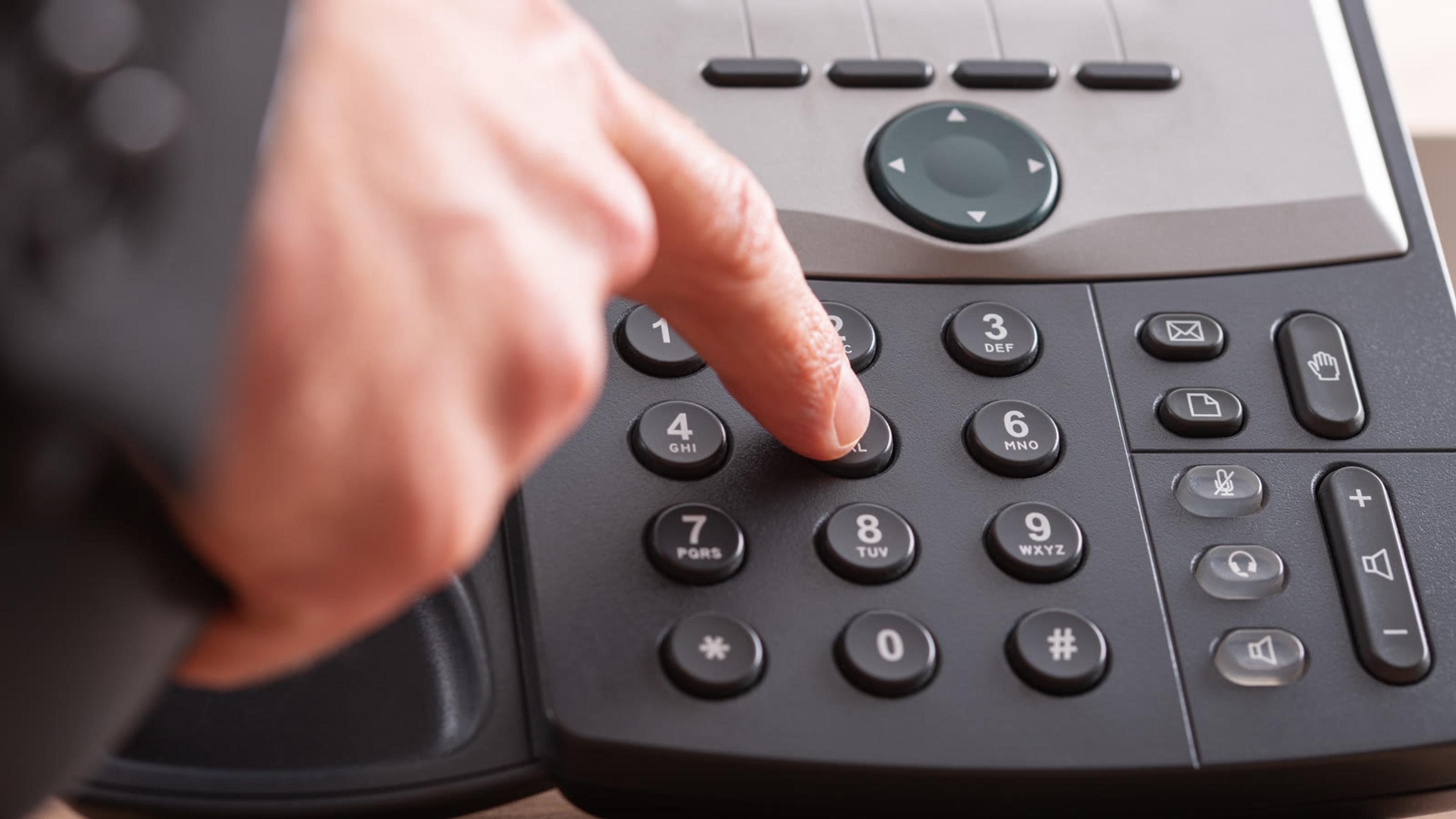
Soft-bridge for remote and hybrid seats
Desk rollout often lags hiring and hybrid work. Remote seats can start on company-managed softphones while Ethernet, PoE, and handset staging finish in the office. SessionTalk softphone apps on sessiontalk.io — desktop softphone, iOS and Android softphone, and softphone pricing — give hybrid and travel seats a path that does not depend on a desk set on every desk. Keep that as a bridge, not a permanent excuse to skip network checks for call-critical stations.
FAQ
What is an IP phone system?
Business calling over IP — desk SIP phones and/or softphone apps registered to a call platform, instead of old analog key systems alone. When the platform lives in the cloud, that stack is a cloud phone system; the phones and seats are what this checklist helps you buy.
Is an IP phone the same as a softphone?
No. An IP (desk) phone is hardware on the network; a softphone is an app on a computer or mobile. Many SMBs use both.
Do I need a desk phone on every seat?
Usually not. Hybrid and remote staff often do better with a softphone + headset; reserve desk sets for stations that need always-on handsets.
What should I test before buying?
Real inbound/outbound quality, transfers, voicemail, provisioning speed, and how fast you can offboard a user.
How does this relate to cloud / hosted PBX posts?
Those explain the platform labels; this post is the buyer checklist for phones and seats. For platform vocabulary, use what is a cloud phone system, the cloud-based phone system guide, VoIP phone system for small business, and PBX phone system — reinforce those posts; do not redefine them here.