Ransomware Protection for SMB | Readiness Checklist

Ransomware Protection for Small Business: Readiness Checklist
*Tom Reed · Updated 7 October 2026*
Ransomware protection for a small business is less about one product and more about making sure five things are true before anyone clicks the wrong link. Admin accounts have MFA and aren't used day to day. Devices are patched and running managed endpoint protection. At least one backup copy is one an attacker can't delete with your own admin login. The decisions you'd otherwise argue about at 2am (who leads, who calls the insurer, what gets restored first, whether paying is even on the table) are written down. And the team has rehearsed it once. For a 20–100 person company this checklist gives IT managers a readiness scorecard, the decisions to make now, and a 60-minute tabletop script, linking out to the detailed backup, endpoint, patching, MFA, and incident response playbooks instead of repeating them.
What does ransomware protection actually mean for a 20–100 person company?
Ransomware protection at this size is a readiness map, not a shopping list. Attackers encrypt files, steal copies, and demand payment for the key or for silence. Your job is to make that path harder to start, harder to spread, and survivable if it still lands — then to recover without guessing under pressure.
That is different from the first-hour response playbook. Incident response for a small IT team covers contain, communicate, and restore once something is live. This post sits one step earlier: are the controls and decisions in place so that playbook has something to work with?
Neighbour playbooks stay neighbours — link them, do not merge them:
- Data backup designs 3-2-1 and restore tests. Here you only check whether one copy would survive an attacker with your admin login.
- Endpoint security rolls out managed AV/EDR. Here you score whether every device reports in and someone owns high-severity alerts.
- Patch management sets rings and emergency paths. Here you confirm internet-facing systems can be patched fast.
- Phishing and email security covers filtering and reporting. Here it is one scorecard row.
- MFA rollout and user access review harden identity and admin rights. Here you ask whether admins are MFA'd and not used day to day.
- Business continuity for a small IT team agrees restore order and "good enough for day one". Here that order is a decision you write before an attack.
You do not need invented hit rates or average ransom figures to justify the work. Ordinary gaps — standing admin on a daily login, backups the same admin can delete, no named incident lead, never rehearsed — are enough reason to score yourselves and fix the "no" rows next quarter.
How ready are we? (a ransomware readiness scorecard)
Score each row yes / partly / no. Anything marked "no" is next quarter's work. Do not try to fix every gap this month.
| Area | "Yes" looks like | Detailed playbook |
|---|---|---|
| Admin accounts | MFA on every admin; admins use separate admin accounts, not their daily login; break-glass account tested | MFA rollout, user access review |
| Email / phishing | Filtering on, SPF/DKIM/DMARC set, staff know how to report a suspicious email | Phishing and email security |
| Patching | Internet-facing systems (VPN, firewall, remote access) patched on an emergency path; laptops on monthly rings | Patch management |
| Endpoint protection | Every company laptop/server reports into one console; high-severity alerts have an owner | Endpoint security |
| Remote access | No exposed RDP; VPN/remote tools behind MFA | IT manager remote work checklist |
| Backups | 3-2-1, with one immutable or offline copy; backup console on separate credentials + MFA; restore tested this quarter | Data backup |
| Network | Guest Wi-Fi, IoT/phones, servers, and admin access not all on one flat network (light segmentation) | Optional: VoIP network requirements |
| People and plan | Named incident lead + backup, off-network contact list, severity levels | Incident response |
| Keep working | Restore order and "good enough for day one" agreed | Business continuity |
| Rehearsal | One ransomware tabletop in the last 12 months | This post |
Print the scorecard or paste it into a sheet. Put a date and an owner on each "no". A ransomware readiness assessment that fits a 20–100 person company is this table plus the decisions checklist below — not a consultancy deck.
Re-score after tool or owner changes (new backup product, MSP, or identity provider) even if the calendar says you are fine.
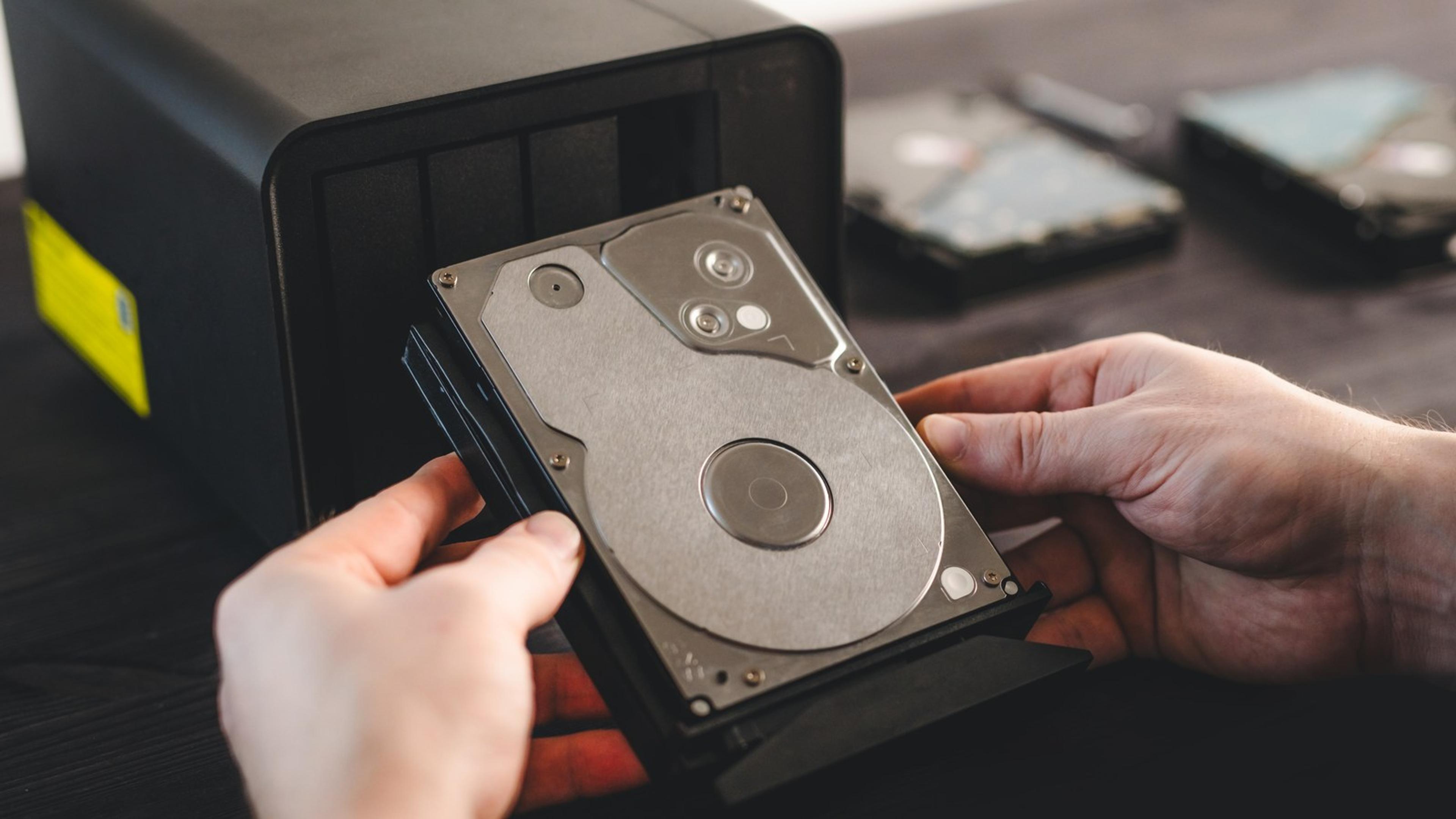
Which controls stop ransomware getting in or spreading?
Think in layers. Each layer ends with a link to the playbook that already explains how to run it. This section is the map, not the rebuild.
Identity. MFA on every admin and on remote access. Admins do not use standing privilege on their everyday login. A break-glass account exists and has been tested. Least privilege — limiting who has admin, and removing access that is no longer needed — slows how far ransomware spreads once a single account is abused. Say it once here; enforce it through the access review and MFA playbooks.
Email. Filtering, SPF/DKIM/DMARC, and a clear report path for suspicious mail. Most ransomware still arrives as a message or a link someone trusts. Run the detail in phishing and email security.
Patching. Internet-facing systems — VPN, firewall, remote access gateways — need an emergency path, not only a monthly ring. Laptops follow the normal cadence. The rings and exceptions live in patch management.
Endpoint. Every company laptop and server reports into one managed console. High-severity alerts have a named owner who is not "whoever notices first". Rollout and alert ownership sit in endpoint security. No product rankings and no "best anti-ransomware" list belong here.
Remote access. No exposed RDP on the open internet. VPN and remote tools sit behind MFA. Day-to-day remote norms belong on the remote work checklist.
Light segmentation. Guest Wi-Fi, IoT and phones, servers, and admin jump paths should not all share one flat network. You do not need an enterprise redesign — separate the obvious lanes so a compromised laptop is not automatically on the same broadcast domain as the file server. Optional network notes for voice sit in VoIP network requirements; keep that link light.
Together these layers are how to prevent ransomware from becoming a company-wide outage — and none replaces a rehearsed recovery plan when prevention still fails.
Would our backups survive ransomware? (immutable, offline, separate credentials)
Ransomware operators often go after backups and admin consoles first. The copy that matters for ransomware recovery is one they cannot reach or delete with the same credentials they already stole.
Ask one blunt question: could someone with our Microsoft 365 or Google Workspace global admin delete our backups? If the answer is yes, fix that before you polish restore documentation. The fix is usually one of:
- Immutable / object-lock storage the backup job writes to, so retention cannot be shortened by the same console that runs the job.
- An offline or air-gapped copy that is not reachable from the production network while the job is idle.
- A backup service whose deletion path needs separate credentials (and MFA) from your everyday tenant admins.
Put the backup console on its own identity where the product allows it. MFA on that console. Test a restore this quarter — a real file or system, not a green checkbox. Restore order (identity, then email, then finance/payroll, file storage, CRM, phones, everything else) belongs with business continuity; the full 3-2-1 design and restore-test steps live in data backup for small business. This section only checks whether one copy would survive the attacker who already has your admin password.
What should we decide before an attack, not during it?
Write these decisions down while everyone is calm. A ransomware playbook and ransomware recovery plan that fit an SMB are mostly names, phone numbers, and order — not a 40-page binder.
- Who leads. Name an incident lead and a backup. Name who has authority to take systems offline without a committee call.
- Off-network contact sheet. Printed or stored in a password manager outside the main tenant: IT lead, MSP, leadership, insurer hotline, legal contact, key vendors. If email and chat are down, you still need to reach people.
- Insurance first-call rule. Note whether you have cyber cover and what the policy expects on first call. Many policies expect you to call their hotline before hiring your own responders — check yours. This is not insurance advice; it is a line on your sheet.
- Restore order. Identity first, then email, then finance/payroll, file storage, CRM, phones, everything else. Align it with the continuity plan so "good enough for day one" is already agreed.
- Ransom payment stance. Paying is a leadership, legal, and insurer decision — not an IT one. Sanctions rules can apply. Do not invent a "never pay / always pay" verdict here. Decide who makes the call, and point that person at official guidance from the NCSC (UK) or CISA (US) when the time comes.
- Who notifies. If personal data may be affected, name the owner who talks to regulators and customers. In the UK that often means the ICO path and its deadlines — name the owner, not the legal detail.
- Evidence first. Do not wipe first. Isolate, take notes and screenshots, keep logs. The first-hour steps sit in incident response.
Print the seven lines. Put a date on the sheet. Revisit after the tabletop below.

How do you run a 60-minute ransomware tabletop exercise?
A ransomware tabletop exercise is a facilitated walk-through with injects — not a red-team breach and not a full technical drill. Keep it on paper or a whiteboard. Invite the IT lead, their backup, one leadership person, and someone from finance or ops. Record gaps as tickets before people leave the room.
| Minutes | Inject (what the facilitator says) | Questions for the team |
|---|---|---|
| 0–5 | Set-up: roles, rules, no blame | Who is incident lead today? |
| 5–15 | 07:40 Monday: three staff report files renamed with a strange extension; a ransom note on the file share | Who gets called first? Severity? What do we isolate? |
| 15–25 | Email still works; the attacker may have an admin account | How do we lock out admin sessions? Who resets the break-glass account? |
| 25–35 | Backup console shows last night's job deleted | Do we have an immutable/offline copy? How do we know it's clean? |
| 35–45 | Leadership asks "can we just pay?"; insurer hotline not yet called | Who decides? Who calls the insurer/legal? What do we tell staff? |
| 45–55 | Restoring: which systems first, and what's "good enough" for today? | Does the restore order match the continuity plan? |
| 55–60 | Hot wash | Three gaps, owners, dates; update scorecard |
Facilitator tips: stay on the clock; do not redesign the network mid-exercise; capture every "we don't know" as a ticket with an owner and a date. Repeat yearly, or after a big change such as a new backup tool, MSP, or identity provider. That cadence is ransomware preparedness you can show without inventing statistics. Update the scorecard the same day — if the backup inject failed, that row is "no" until the immutable or offline copy is proven.
What do cyber insurers usually ask IT to show?
Insurers commonly ask IT for evidence of controls — not a sales pitch. Treat the list as what to have evidence for, then check your own policy wording. This is not insurance advice and not a claim about premiums or outcomes.
Typical asks for cyber insurance small business applications and renewals:
- MFA on email, remote access, and admin accounts.
- Managed endpoint protection (EDR or equivalent) on company devices.
- Offline or immutable backups, with a recent restore test.
- A patching cadence, especially for internet-facing systems.
- A written incident plan with named contacts.
- Staff phishing awareness or reporting practice.
Keep a dated folder that answers those asks: MFA coverage export, endpoint console screenshot, backup restore ticket, patch ring note, incident contact sheet, last phishing report sample. Update dates next year instead of rebuilding from memory. If a control is missing, say so and put it on the scorecard as next quarter's work.
FAQ
What is the best ransomware protection for a small business?
Layered basics: MFA on admin and remote access, patching, managed endpoint protection, backups an attacker can't delete, and a rehearsed plan. No single tool covers all of it.
Can ransomware encrypt cloud backups or OneDrive?
Synced files can be encrypted along with the originals, and an attacker with admin access may delete backups. Keep at least one immutable or offline copy on separate credentials.
Should a small business pay a ransomware demand?
That's a leadership, legal, and insurer decision, and sanctions rules can apply. Decide who makes that call before an incident, and follow official guidance (NCSC / CISA).
What should we do first if we get ransomware?
Isolate affected devices, don't wipe anything yet, call your incident lead and your insurer's hotline if you have one, then follow your incident response plan.
How often should we run a ransomware tabletop?
At least once a year, and again after big changes like a new backup tool, MSP, or identity provider.