Self-Hosted PBX vs PBX Hosting for VoIP Resellers

Tom Reed · Updated 5 November 2026
PBX hosting means someone else runs the phone system's servers for you; a self-hosted PBX runs on servers you control. For a VoIP reseller or MSP the choice is about control, data location and how much server work you want to own. SessionPBX supports both: approved partners can run it multi-tenant on their own server and host many customer tenants, or SessionTalk can host and maintain it in the UK (London), the US (New York) or Singapore.
This guide is for MSPs, ITSPs, VoIP providers and IT resellers who have already decided to sell a phone system and now need to decide where it should run. It doesn't re-explain how tenancy works (that's covered in multi-tenant PBX for MSPs). Instead it compares the two hosting models side by side, explains when each one fits, and finishes with a short checklist you can use for each customer.
What is PBX hosting, and what does self-hosted mean?
PBX hosting (hosted PBX). The phone system runs on servers that a provider operates for you. The provider installs it, keeps it running and maintains the platform, and you manage users, extensions, numbers and call settings from a web portal. With SessionPBX hosted by SessionTalk, we take care of hosting and maintenance, and you don't install anything.
Self-hosted PBX. The phone system runs on a server that you control, in a location you choose. You install it, keep the operating system patched and look after the server, network and hosting. With SessionPBX, self-hosting is for approved partners and is multi-tenant, so you can run many customer tenants on your own server, with every customer kept separate.
Both are still a cloud phone system from your customer's point of view: their staff use softphone apps, and nobody needs a box in the comms cupboard. The difference is who runs the servers behind it.
Self-hosted vs hosted SessionPBX: how do they compare?
The table below follows the hosting comparison on the SessionPBX partner page, without the prices.
| Hosted by SessionTalk | Self-hosted (approved partners) | |
|---|---|---|
| Who runs it | SessionTalk hosts and maintains it | You run it on your own server |
| Where it runs | UK (London), US (New York) or Singapore | Your server, your choice of location |
| Customers | One SessionPBX project per customer, owned by you | Many customers on one server (multi-tenant), each kept separate |
| Server work | Nothing to install | A dedicated server you maintain; server, hosting and network costs are yours |
| Billing | Monthly or annual billing | Billed annually |
| SIP trunk | Bring your own | Bring your own |
| Apps | Windows, macOS, iOS, Android; QR or link setup | Same |
| Logo on apps | Included on Teams Business; add-on on Teams Phone | Same |
Partner pricing applies to both hosting options, so the choice is mainly operational: who runs the server, where the system lives and how you want to group customers.
When does self-hosting make sense for a reseller?
Self-hosting suits partners who already think of infrastructure as part of what they sell. It tends to fit when:
- You already run your own servers. If your team builds, patches and looks after Linux servers for clients today, a self-hosted PBX is one more system in a routine you already have.
- You want many customers on one platform you control. Self-hosted partners can run multi-tenant on their own server, so you manage customer tenants from one system while each customer stays separate.
- A customer needs the phone system in a location you choose. Because the server is yours, it runs wherever you put it.
- You want the platform inside your own operations. Your monitoring, your change windows, your access policies.
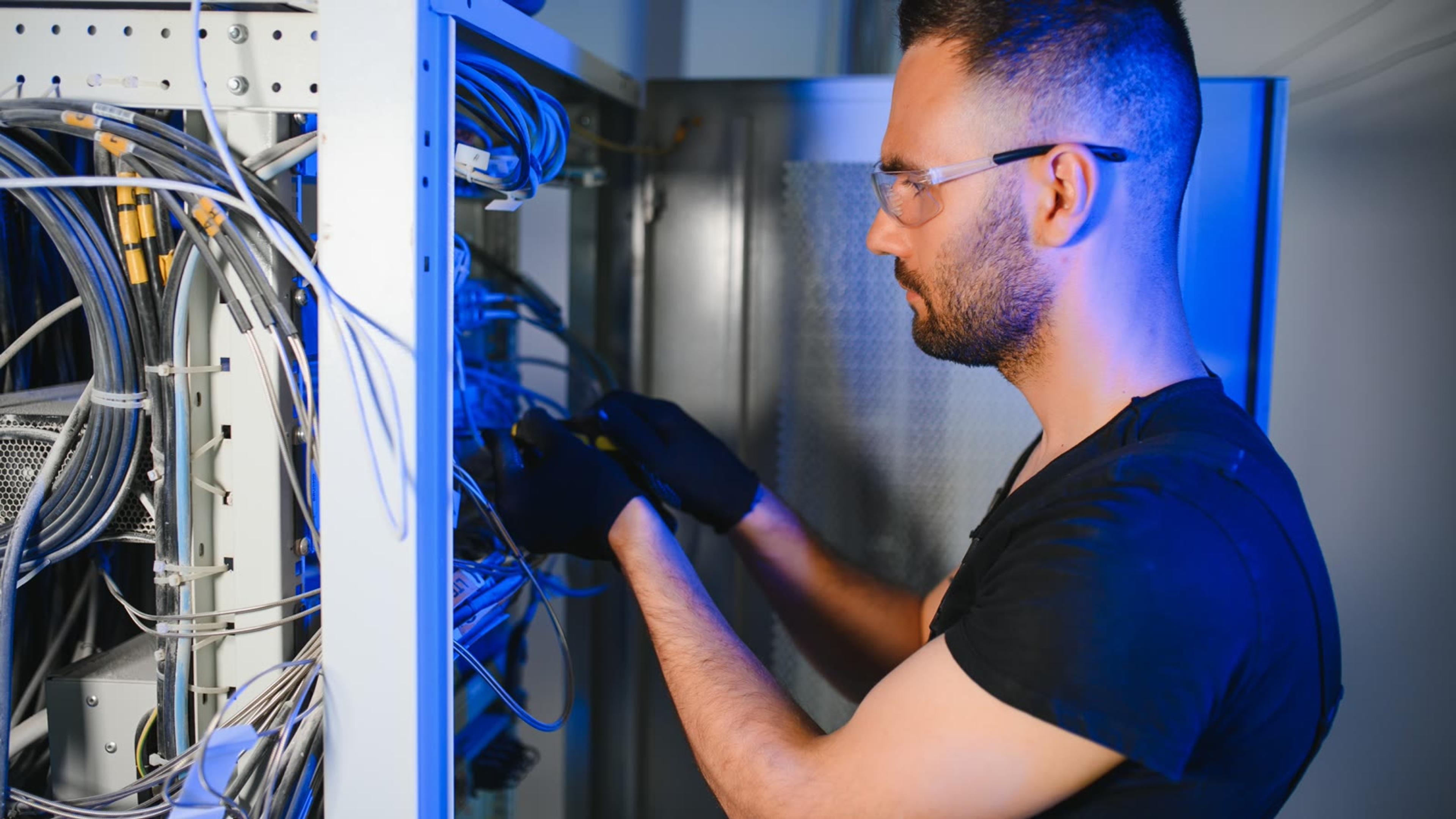
Be clear about what you take on. Self-hosted is available to approved partners only and is billed annually. Server, hosting and network costs are yours, and so is the day-to-day running of the server: operating system updates, monitoring, backups and the plan for what happens when something goes wrong. If you haven't written that plan yet, our guide to planning for business continuity is a useful starting point for the questions your team should answer before go-live.
When is SessionTalk hosting the better fit?
Hosting by SessionTalk is the simpler route when you'd rather sell and support the phone system than run servers for it. It usually fits when:
- Your customers are small. A team that only needs calling, voicemail and messaging rarely justifies a server of its own.
- You don't want anything to install. SessionTalk hosts and maintains the platform, so there's no server to patch.
- You want each customer as its own project. Each customer gets their own SessionPBX project under your partner account. You create it, you own it, and you manage extensions, numbers, the SIP trunk and call flows for that customer.
- You want a choice of region per customer. You pick the UK (London), the US (New York) or Singapore for each one.

Hosted doesn't mean hands-off for you as the partner. You still own the customer relationship, set up their users and call flows, and handle first-line support. What you skip is the server work underneath.
What server do you need to self-host SessionPBX?
You need a dedicated server that you control and can reach remotely, in the location you want the system to run. Your team installs SessionPBX on it and keeps it maintained.
The exact, current server requirements and the deployment guide are linked from the self-hosted section of the SessionPBX partner page. Check them there before you order or allocate a server, rather than relying on a figure copied into a proposal, because the partner page is where they're kept up to date. Server, hosting and network costs are the partner's, so include them in your own pricing for self-hosted customers.
Where does the customer's data live?
Hosted by SessionTalk. You choose where each customer is hosted: the UK (London), the US (New York) or Singapore. Each region has its own database, so a customer you place in one region stays on that region's platform. SIP signalling, messaging and the admin portal use TLS, and stored SIP trunk credentials are encrypted.
Self-hosted. The data lives wherever your server is. That gives you full control over location, and it also makes the location, access and protection of that server your responsibility.
If data location is part of a customer's buying decision, read phone system data residency for the questions to ask before you choose a region or a server location.
Can you mix both models?
Yes. The choice is per customer, not a one-time decision for your whole business. One approach is to put small customers on the hosted platform with nothing to run, and self-host where you want the system on your own infrastructure.
Partner pricing applies to both hosting options. You set your own price and invoice your customer, whichever model a customer sits on, so your customers don't need to know or care where the platform runs unless location matters to them. If you're still deciding how your partner business should be set up overall, how to choose a VoIP reseller program covers the wider questions.
What stays the same either way?
The hosting model changes who runs the servers. It doesn't change what you sell or what your customers' staff use every day.
- Bring your own SIP trunk. SessionPBX is a bring-your-own SIP trunk phone system. Connect any SIP-compliant carrier by IP or by credentials, and your carrier bills for numbers and calls. See connecting a SIP trunk to a hosted PBX for the steps.
- The same apps. Staff use the softphone apps your customers' users run on Windows, macOS, iOS and Android, set up with a QR code on mobile or a setup link on desktop. For a rollout approach, see provisioning softphones securely.
- Your logo on the apps. App logo branding puts your logo and in-app product name on the softphones your customers use. It's included on Teams Business and is an add-on on Teams Phone. Teams Phone and Teams Business are SessionPBX plan names. SessionPBX is a standalone phone system and isn't related to Microsoft Teams.
- You own the billing relationship. You set your own price and invoice your customer.
Decision checklist
Run through these questions for each customer before you choose where they go:
- Do you already run and patch Linux servers?
- How many customer tenants will you host, and do you want them on one platform you control?
- Does any customer need its phone system in a specific location?
- Who handles server monitoring, updates and backups out of hours (your team, if self-hosted)?
- Which SIP carrier will you bring?
- Will small customers go hosted while larger ones go self-hosted?
If most answers point to "we'd rather not run servers", start hosted. If you already run infrastructure and want customers on a platform you control, apply as a partner and ask about self-hosting.
FAQ
Can I self-host SessionPBX on my own servers?
Yes. Self-hosted is available to approved partners only. You run SessionPBX multi-tenant on your own server, host many customer tenants on it and keep every customer separate. Self-hosted is billed annually, and server, hosting and network costs are yours. Apply through the partner programme and say you want to self-host.
What do I need to self-host SessionPBX?
A dedicated server that you control, maintain and can reach remotely, plus a team that can keep it updated and backed up. The current server requirements and the deployment guide are linked from the SessionPBX partner page. Check them there before you order a server, as that page is kept up to date.
Where does SessionTalk host SessionPBX?
On the hosted option, you choose where each customer is hosted: the UK (London), the US (New York) or Singapore. Each region has its own database. You pick the region per customer, so customers in different parts of the world can each sit on the platform closest to their team.
Can I use my own SIP carrier?
Yes, on both hosted and self-hosted SessionPBX. Connect any SIP-compliant carrier by IP or by credentials. Your carrier supplies the numbers and bills for numbers and calls, and internal calls between team members are included. You can keep using the carrier relationship you already have for each customer.
Is partner pricing different for self-hosted?
Partner pricing applies to both hosting options. The difference is billing: hosted plans offer monthly or annual billing, while self-hosted is billed annually. Current partner prices are shown on the partner page and in your partner portal. Remember that server, hosting and network costs are yours on self-hosted.
How do my customers' users get the apps?
They install the SessionTalk softphone apps on Windows, macOS, iOS or Android. You invite people by email, and they set up a mobile app with a QR code or a desktop app with a setup link, so nobody types SIP settings. With app logo branding, the apps show your logo.
Ready to decide where SessionPBX runs for your customers? Apply to the SessionPBX Partner Programme and tell us whether you want hosted, self-hosted or both. Want to see what your customers get first? See SessionPBX features.