CarPlay and Apple Watch Softphone Calls
Tom Reed · Updated 7 November 2026
Yes — when your iPhone softphone routes SIP calls through Apple's CallKit, those calls appear on CarPlay like a regular phone call (answer, hang up and dial from the in-car display) and the same CallKit alert forwards to a paired Apple Watch with answer and decline controls, with no extra setup on the watch. Push wakes the app so the phone does not need to be open.
This guide is for drivers, field technicians and IT admins who need work calls to behave like cellular calls in the car and on the wrist. It stays on the CallKit surface — CarPlay and Apple Watch — and links the broader iPhone rollout and push deep-dives once each rather than rebuilding them. Claims match the live SIP softphone for iPhone with CallKit, CarPlay and Apple Watch FAQ.
If your team already rolled out iPhone softphones, this post is the hands-free layer on top: CarPlay for drivers and Apple Watch for answer-or-decline when the phone stays in a pocket. It is not a second product to buy and it is not a Watch-only softphone.
Can you take softphone calls on CarPlay and Apple Watch?
Yes, via CallKit on iPhone. Incoming SIP calls go through Apple's CallKit, so they appear on CarPlay exactly like a regular phone call, and the same alert forwards to a paired Apple Watch. Use a business softphone apps for mobile and desktop stack that your team can provision from the cloud portal, then confirm CarPlay and Watch behaviour before field staff rely on them.
Android softphones still get native Telecom lock-screen calling on the phone itself; the CarPlay and Apple Watch path described here is the iPhone CallKit path.
For MSPs and IT admins, the practical win is consistency: the same work SIP account that rings at the desk can ring in the car and on the wrist without a second softphone product. That only works when CallKit, push and registration are healthy on the iPhone first. Treat CarPlay and Watch as surfaces of that iPhone account, not as separate phone systems.
How does CallKit make SIP calls work like cellular calls?
CallKit gives the iPhone softphone a full-screen lock-screen incoming-call UI like a regular cellular call. You can answer from the lock screen, send the call to voicemail, route audio to a Bluetooth headset, hand the call off to CarPlay, and find it later in iPhone Recents. The app does not need to be in the foreground — VoIP push wakes it (PushKit on iPhone).
That is the same foundation covered briefly in iPhone VoIP app for business calls. For how push keeps ringing when the app is closed, see mobile softphone push notifications. This post does not rebuild the full BYOD rollout or the push architecture; it focuses on what CallKit then surfaces in the car and on the wrist.
What can you do with softphone calls on CarPlay?
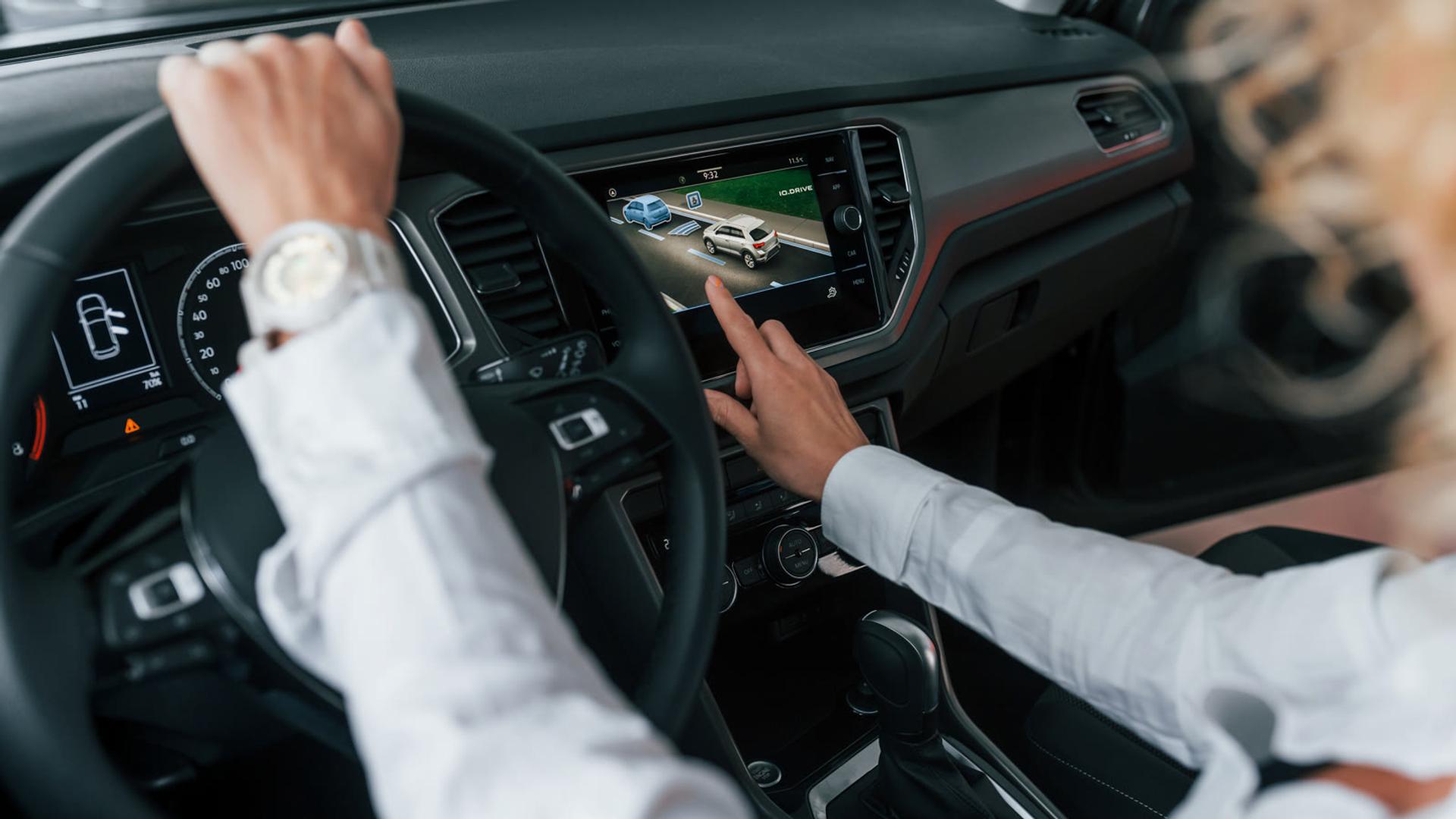
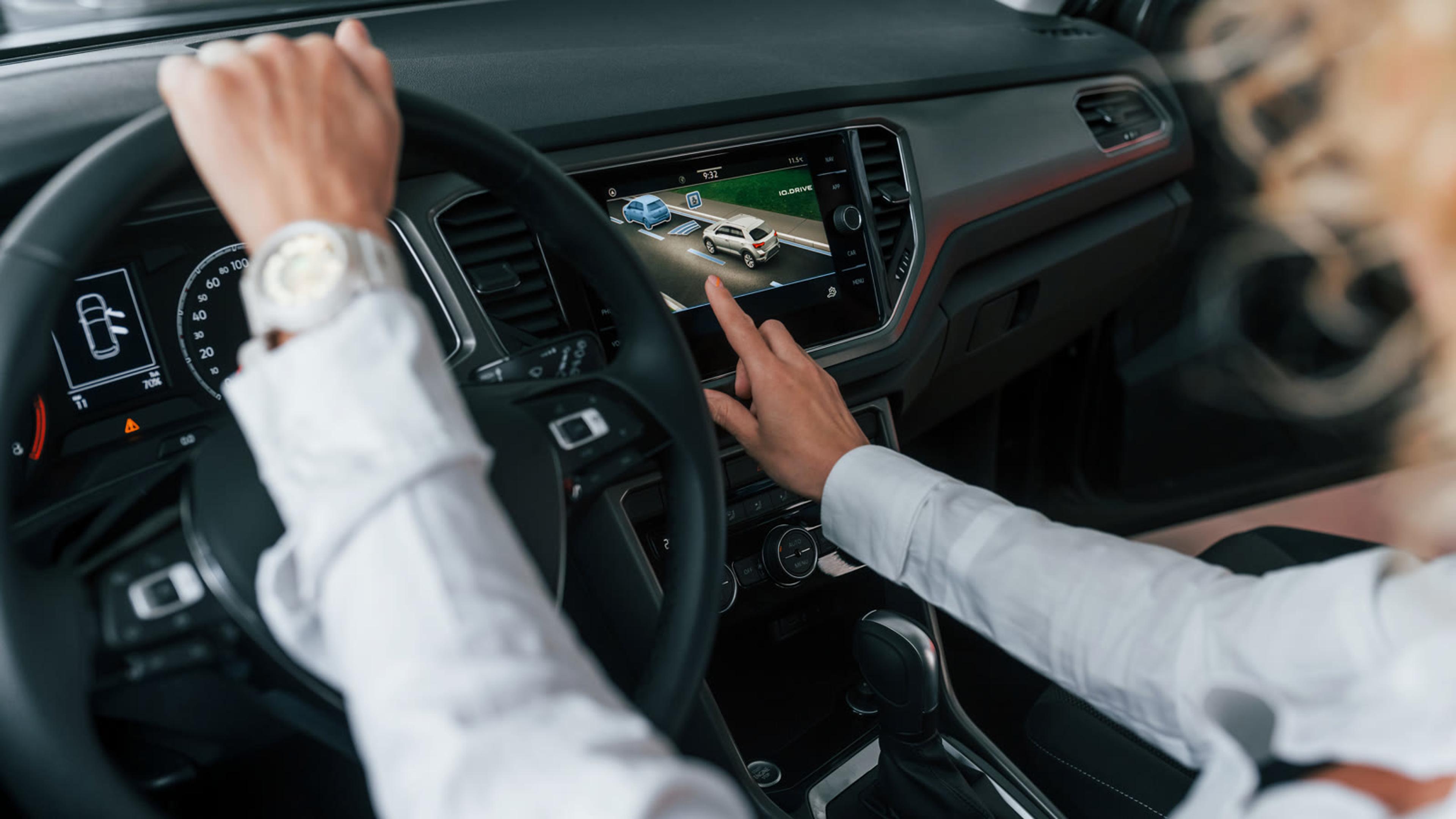
On CarPlay you can answer, hang up and dial from the in-car display without taking your hands off the wheel. Treat that as a safety feature, not a novelty: set the softphone up while parked, confirm registration and push, then verify CarPlay controls before anyone depends on them mid-route.
Keep dialling on CarPlay for callbacks and known contacts. Do not invent in-car softphone screens the FAQ does not describe. If CarPlay is unavailable, fall back to a Bluetooth headset or pull over before you handle the phone.
Safety beats cleverness. Confirm answer, hang up and dial while the vehicle is parked. Agree that nobody taps the phone glass to hunt contacts while moving. CarPlay is there so the in-car display can carry the CallKit call the same way a cellular call would appear — that is the claimable behaviour from the softphone FAQ, and it is enough for most field routes.
What can you do with softphone calls on Apple Watch?
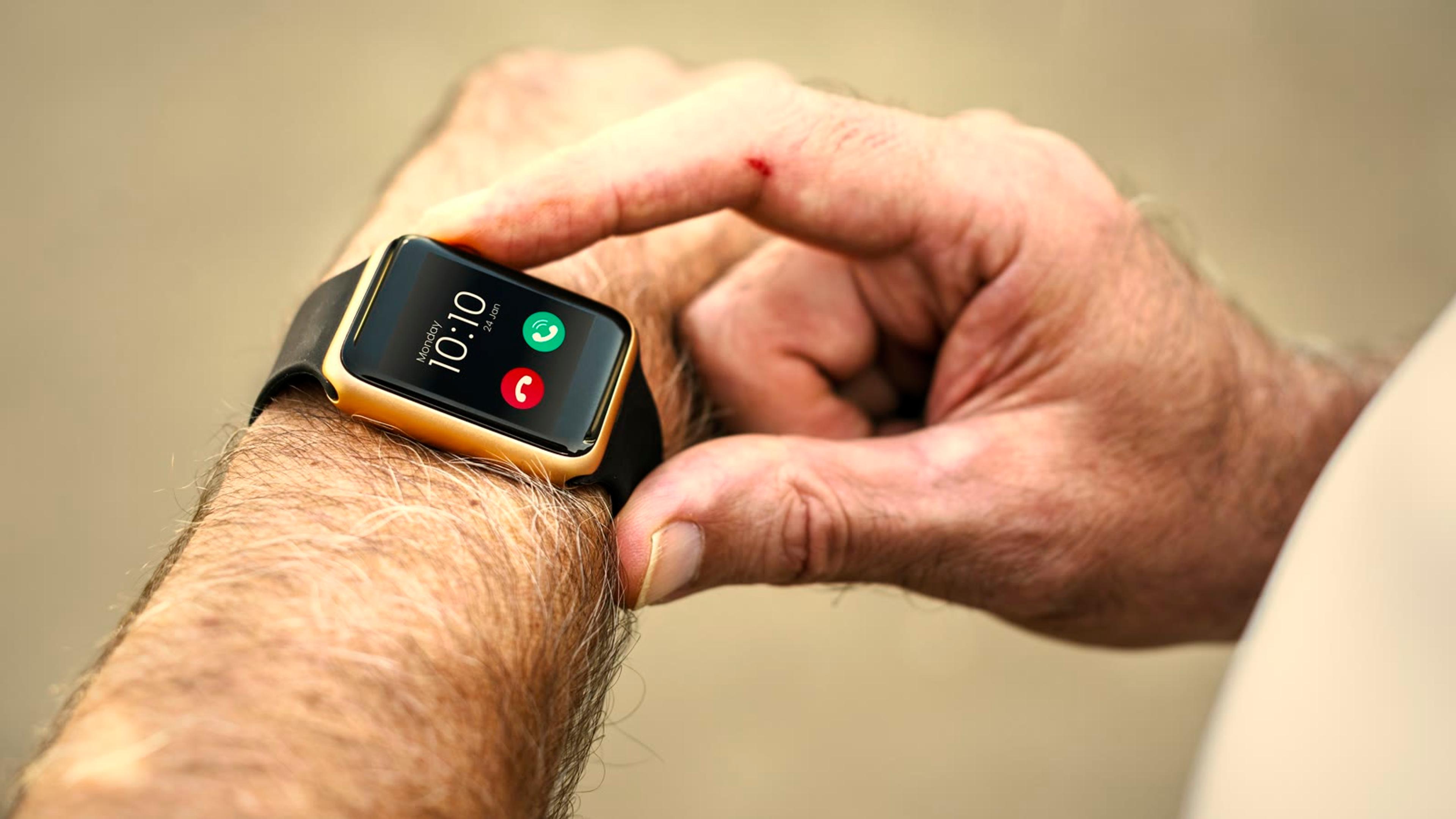
A paired Apple Watch gets the CallKit alert with answer and decline controls, with no extra setup on the watch. That is the claimable Watch surface: answer or decline from the wrist when the iPhone is in a pocket or bag.
Do not invent Watch dialling, messaging or a dedicated Watch softphone app UI. If staff need to place a new call, that still happens from the iPhone, CarPlay dial, or another registered device — not from a Watch softphone screen the FAQ does not show.
Train the habit in one sentence: Watch answers or declines; CarPlay answers, hangs up and dials; the iPhone remains the device that holds the SIP account, push registration and Recents history. That keeps support tickets simple when someone asks why the Watch cannot start a brand-new outbound work call by itself.
Who needs CarPlay and Watch softphone support?
Table: who benefits from CarPlay and Apple Watch softphone calls
| Role | Why hands-free matters | What to configure | Watch out for |
|---|---|---|---|
| Drivers and delivery staff | Must keep hands on the wheel | CarPlay connected; softphone registered; push on | Don't pick up the phone to dial mid-drive |
| Field technicians | Calls arrive while moving between sites | Watch paired for answer/decline; Bluetooth headset as backup | Guest or weak Wi-Fi at the site |
| On-call managers | Need to answer without unlocking the phone | Watch alerts on; Recents checked after | Decide which device/account should ring first |
| Reception covering from the road | Main line must ring in the car | Main-line SIP account on the softphone; CarPlay dial for callbacks | Know which account is ringing when multiple SIP accounts are used |
Field mobility patterns beyond CarPlay and Watch are covered in the field service softphone mobile VoIP guide. Pair this hands-free surface with that rollout when you equip vans and site teams.
How do you set up hands-free work calling safely?
Provision from the cloud so nobody types SIP credentials in the car. Confirm CallKit on a locked iPhone before you trust CarPlay. Agree a safe-driving rule before the first live shift.
Checklist: safe CarPlay and Apple Watch softphone setup
- Softphone installed on iPhone and provisioned by QR code from the cloud portal (no typing SIP credentials in the car)
- Account shows registered; push notifications allowed so calls ring when the app is closed
- Confirm a locked-phone CallKit ring once (lock-screen UI, answer, Recents) before relying on CarPlay
- Pair CarPlay and confirm answer, hang up and dial from the in-car display while parked, not moving
- Pair Apple Watch and confirm answer and decline on the Watch alert
- Bluetooth headset available as a fallback when CarPlay is unavailable
- TLS signalling and SRTP media on where the PBX supports them
- Agree a safe-driving rule: no manual dialling or screen tapping while moving; use CarPlay or pull over
- Document which SIP account (or accounts, up to 16) should ring for field staff
Walk the same basics with your wider softphone setup checklist so audio devices, accounts and notifications are already solid before CarPlay day one.
Document which SIP account should ring when staff carry more than one account on the same iPhone. Softphones can hold multiple SIP accounts with independent settings; field staff still need a clear rule for which line is the work line in the car. After a shift, spot-check Recents so missed roadside calls are not lost in a personal account's history.
TLS signalling and SRTP media matter on guest Wi-Fi and public networks as much as they do in the office. Turn them on where the PBX supports them, and keep certificate verification enabled so the softphone rejects weak paths. That is ordinary mobile softphone hygiene; CarPlay and Watch do not replace it.
What about Android Auto?
Android Auto integration is not currently supported by the standard SessionTalk app. Keep Android users on the phone's native Telecom lock-screen calling, Bluetooth headsets and desk or vehicle mounts that do not claim Android Auto softphone controls.
Pair it with a hosted PBX
Pair it with a hosted PBX so field staff get the same extension, SIP credentials and routing whether they answer on CarPlay, Apple Watch or at the desk: SessionPBX hosted PBX. The extension and SIP account live on the phone system — see what a PBX phone system is. SessionPBX is a bring-your-own SIP trunk system: you connect the SIP trunk you already use for outside calls, and staff still run the softphones covered above.
When the PBX and the softphone share the same extension story, CarPlay and Watch stop being special cases. A missed call on the road still lands in the same Recents and the same follow-up queue as a missed call at the desk. That is the point of hands-free work calling: the route changes, the phone system identity does not. Keep provisioning, push and CallKit healthy on the iPhone, and the car and wrist surfaces follow.
FAQ
Does a softphone work with CarPlay?
Yes. Because incoming SIP calls go through CallKit, they appear on CarPlay like a regular phone call — answer, hang up and dial from the in-car display. Set that up while parked, confirm push and registration, then treat CarPlay as the hands-free surface for drivers and field staff.
Can I answer softphone calls on Apple Watch?
Yes. The same CallKit alert forwards to a paired Apple Watch with answer and decline controls, with no extra setup on the watch. Use the Watch to accept or decline; place new calls from the iPhone or CarPlay dial rather than expecting a Watch softphone dialler the FAQ does not describe.
Do I need a separate Watch app?
No. The live FAQ says no extra setup is needed on the watch for the CallKit answer and decline alert. Pair the Watch to the iPhone that runs the softphone, keep push enabled, and confirm the alert once before staff rely on it in the field.
Will softphone calls ring if the iPhone app is closed?
Yes. Incoming calls wake the app via Apple's VoIP push; the app does not need to be in the foreground. That is why push permission and a registered account matter before you trust CarPlay or Watch alerts on the road.
Does SessionTalk support Android Auto?
Not currently on the standard SessionTalk app, per the iOS and Android softphone FAQ. Android users should plan for native Telecom calling on the phone plus Bluetooth, not Android Auto softphone controls.