UCaaS vs Hosted PBX: What Resellers Should Know

Tom Reed · Updated 12 November 2026
UCaaS (unified communications as a service) is a cloud bundle of calling, messaging, video and presence in one set of apps; a hosted PBX is the phone system at its core. When a customer asks a reseller for "UCaaS", they usually want business calling plus team chat and video calls on desktop and mobile, managed in one place. SessionPBX gives partners that bundle as a multi-tenant PBX they can run on their own servers, or SessionTalk can host it for them.
This guide is for MSPs, ITSPs, VoIP providers and IT resellers whose customers keep asking for UCaaS. It explains what the term means, how it differs from a hosted PBX, how to turn a vague request into a feature list and how to package it. The labels overlap a lot, so the aim is to sell features rather than acronyms.
What is UCaaS?
UCaaS stands for unified communications as a service. It is a cloud service that puts business calling, messaging, video and presence into one set of apps, so people can reach each other from a laptop, a desk or a phone without juggling separate tools. The provider runs the platform and the customer's staff simply sign in and use it.
For a reseller, the useful point is that UCaaS describes a bundle, not a single feature. Different customers expect different things inside it, which is why it pays to ask what they actually need before you quote.
What is the difference between UCaaS and a hosted PBX?
A hosted PBX is the calling layer: extensions, call routing and voicemail, delivered from the cloud. UCaaS adds messaging, presence and video on top. Many hosted PBX platforms now include both, so the two labels overlap, and the same product can honestly be called either one. The table shows how customers tend to use each term.
| Hosted PBX | UCaaS | |
|---|---|---|
| Core job | Business calling: extensions, routing, voicemail | Calling plus messaging, presence and video in one service |
| Typical apps | Softphones and desk phones | Desktop and mobile apps for calls and chat |
| What the customer asks for | "A new phone system" | "Everything in one app" |
| Where SessionPBX fits | Teams Phone and Teams Business calling | Same plans: calling, video calls, team chat and presence in the SessionTalk apps |
| Reseller packaging | Seats plus the customer's SIP trunk | Same seats; position chat and video as included, not extra |
Customers do not always know which they want. If you need the plain-language version of the terminology for an end customer, see hosted PBX vs cloud PBX and virtual phone system vs hosted PBX. This post is about how you, as the reseller, answer the request.
What do customers actually mean when they ask for UCaaS?
Usually they mean "calling, chat and video in the same app, on every device". But the word is loose, so turn it into questions and map each answer to a feature. Use this discovery checklist on your next call:
- Which users need calling, and on which devices (Windows, macOS, iOS, Android)?
- Do they need team chat, group conversations or file sharing alongside calls?
- Do they need video calls between colleagues?
- Do calls need routing: auto-attendant, business hours, ring groups or queues?
- Do managers need call recording, live supervision or call reports?
- Which carrier and numbers are they keeping, or do they need a new SIP trunk?
- Do they want your brand on the apps (app logo branding)?
- Hosted by SessionTalk, or on your own multi-tenant platform?
If you want to compare against the way a customer might think about Microsoft's product, Microsoft Teams Phone vs a cloud PBX covers that in its own post.
What is the difference between UCaaS and CCaaS?
UCaaS is for everyday communication between colleagues. CCaaS, or contact centre as a service, is built for agent teams: queues, supervision and reporting for people who handle customer contacts all day. Some customers ask for one when they need the other. For the contact centre side, see running a contact centre on a hosted PBX.
What is the difference between UCaaS and VoIP?
VoIP is the transport: it carries voice calls over the internet instead of a traditional phone line. UCaaS is the service built on top of it, adding messaging, presence and video. In other words, VoIP is how the call travels, and UCaaS is what the customer's staff actually use.
Which SessionPBX features cover a UCaaS request?
Most of a typical UCaaS request is covered on every SessionPBX plan:
- Voice and video calling on Windows, macOS, iOS and Android, with hold and transfer
- Team chat and presence with direct messages, group conversations and file sharing, plus delivery and read receipts and history synced across devices
- Voicemail in the portal and by email, with missed-call notifications
- Forwarding and caller ID per member, a team directory, a shared address book and call history
- Invites by email, with a QR code or setup link, and central management of extensions, seats and permissions
- Push notifications for incoming calls
Teams Business adds the call handling that larger customers ask for: a visual call flow designer, auto-attendant and IVR, business-hours routing, ring groups, call queues, call recording, supervision (listen, whisper and barge) and reports.
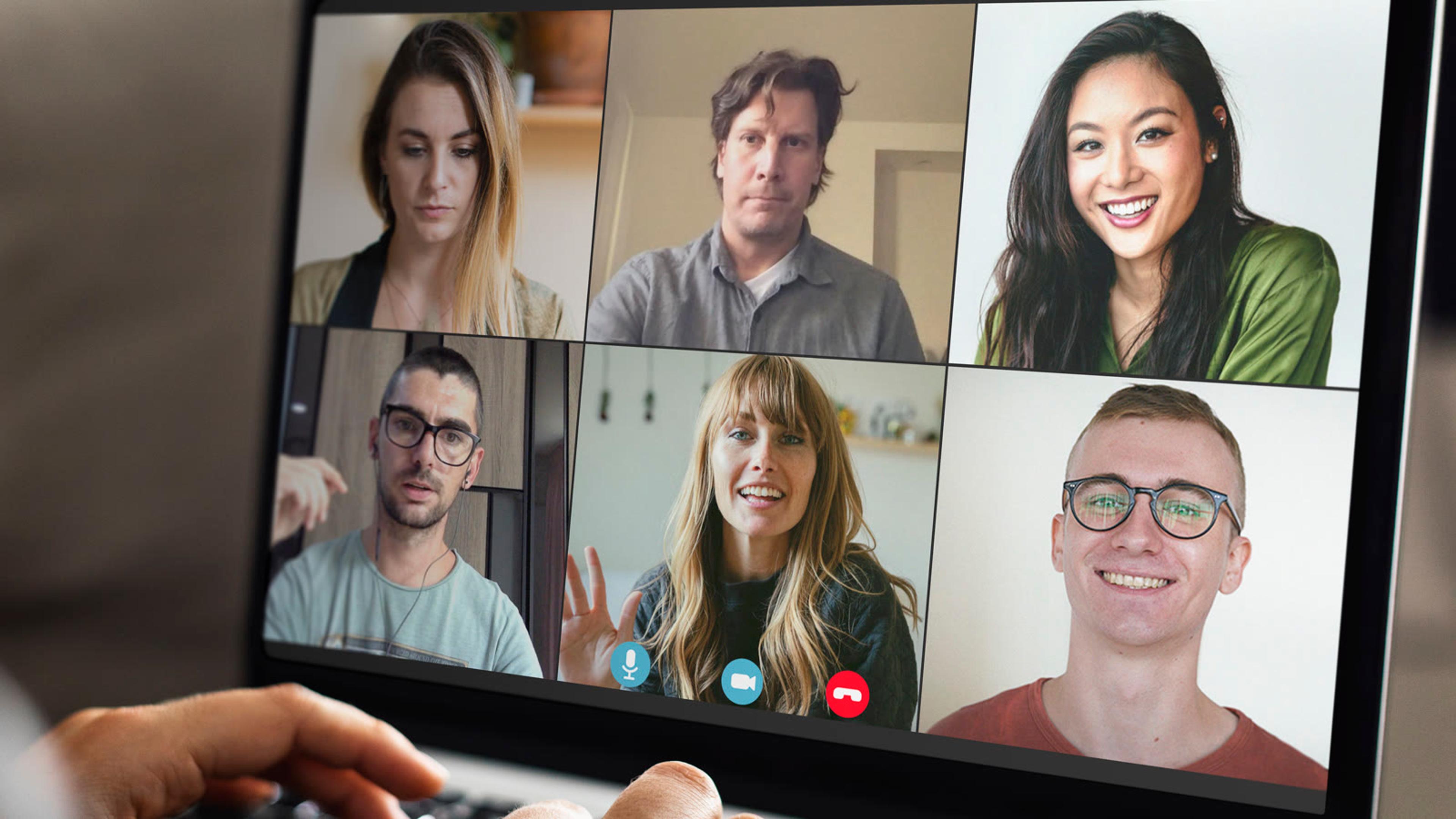
Your customers' people run all of this in the softphone apps your customers' users run. For the set-up side, see QR code and link provisioning.
How do you sell UCaaS as a reseller?
Package by plan, not by acronym. Teams Phone suits everyday calling and chat, and Teams Business suits customers who need call handling such as an auto-attendant, queues or recording. Customers bring their own SIP trunk from any SIP-compliant carrier, you set your own price and you invoice your own customer.
Position chat and video as included in the seat rather than as extras, because that is what a customer means when they say "UCaaS". App logo branding puts your logo and in-app name on the apps, so your customers see your brand from the first invitation. For packaging ideas, read packaging hosted PBX for MSPs and telecom resellers. If you are weighing a reseller role against a referral role, VoIP reseller vs referral agent models compares them. And if you already run managed services, adding hosted PBX voice to an MSP offer is the practical walkthrough.
Should you run the platform yourself or have SessionTalk host it?
For most partners with their own infrastructure, self-hosted multi-tenant is the stronger choice. You run SessionPBX on your own servers with one tenant per customer. Self-hosted is for approved partners on annual licences, and server, hosting and network costs are yours.
The alternative is to let SessionTalk host it. Hosted regions are London, New York and Singapore, and each customer is its own project under your partner account. Either way you keep the customer relationship. The detail is in self-hosting a PBX for VoIP resellers.

Checklist: turning a UCaaS request into a quote
- Ask which devices the team uses
- Confirm whether chat and file sharing are needed
- Confirm whether video calls are needed
- Decide between Teams Phone and Teams Business based on call handling
- Check the customer's carrier and SIP trunk
- Decide whether they want app logo branding
- Choose hosted by SessionTalk or your own multi-tenant platform
FAQ
What does UCaaS stand for?
UCaaS stands for unified communications as a service. It means calling, messaging, video and presence delivered from the cloud as one service, rather than as separate tools. A customer asking for UCaaS usually wants one set of apps for calls and chat that works on desktop and mobile.
Is a hosted PBX the same as UCaaS?
Not quite. A hosted PBX is the calling core, while UCaaS adds chat, presence and video around it. The two labels overlap, because many hosted platforms now include both. SessionPBX includes calling, video calls and team chat, so it can answer either request.
Can I resell UCaaS under my own brand?
Yes, using app logo branding: your logo and in-app product name appear on the softphone apps. It is included on Teams Business and available as an add-on on Teams Phone. You set your own price and invoice your own customer, so the service looks like yours.
Do I have to host the platform myself?
No. You can run SessionPBX multi-tenant on your own servers, or SessionTalk can host it for you. Hosted customers each sit in their own project under your partner account. Choose self-hosted if you want control of the infrastructure, and hosted if you would rather not run it.
Do I need my own SIP trunk?
Yes. SessionPBX connects to any SIP-compliant carrier you choose, and the carrier supplies the numbers and bills the calls. Calls between colleagues on the platform are internal and included, so the trunk is only needed for calls to and from the outside world.
Is SessionPBX Teams Phone the same as Microsoft Teams?
No. Teams Phone and Teams Business are SessionPBX plan names. SessionPBX is a standalone phone system and is not related to Microsoft Teams. The names describe the plans only, so make that clear when a customer hears "Teams" in your proposal.
Ready to sell UCaaS under your own brand? Apply to the SessionPBX Partner Programme, or see SessionPBX features.