Virtual Phone Number: What It Is and How Resellers Offer It

Tom Reed · Updated 21 November 2026
A virtual phone number is a phone number that is not tied to one physical line or SIM. Calls to it route over the internet to apps, desk phones or a call flow, wherever your users are. For an MSP or reseller, the cleanest way to offer virtual numbers is as numbers on a multi-tenant hosted PBX, with softphone apps for every user.
This guide is for MSPs, ITSPs, VoIP providers and IT resellers whose customers keep asking for "a virtual number". It explains what the term means, how calls reach the right person, what changes between a UK and a US number, and how to deliver numbers, routing and apps in one place.
What is a virtual phone number?
A virtual phone number is a number that rings somewhere other than a fixed copper line or a single mobile SIM. The number is just an identifier. Where it rings is decided by software, so the same number can ring a desktop app, a mobile app, a desk phone, a group of colleagues or an automated menu.
That is the difference from a traditional landline, which is bound to a socket at one address, and from a mobile number, which is bound to one SIM in one handset. A virtual number follows the person, not the place. It is also why businesses with hybrid or remote teams like it: nobody has to give out a personal mobile number to be reachable.
The term overlaps with a VoIP number. If you want the end-user view, read our explainer on what a VoIP number is. In short, both ride the internet, and "virtual" stresses that no fixed line is involved. Numbers also come in different types, such as geographic and non-geographic, which our guide to business phone number types covers in full.
How does a virtual phone number work?
Behind every virtual number is a simple chain. The number comes from a carrier over a SIP trunk. The trunk connects to a PBX. The PBX decides what happens to each call, and the call then reaches an app or phone that is registered to a user.
Here is the chain in plain language:
- A carrier supplies the number and sends calls for it to your SIP trunk
- The PBX receives the call and looks up the route set for that number
- A call flow decides what happens next: a menu, a ring group, a queue or a direct extension
- The call rings the softphone apps and phones registered to the people on that route
- If nobody answers, the call goes to voicemail or another destination
The important point for a reseller is where each part comes from. With SessionPBX, the numbers come from your own SIP trunk provider, and the PBX and apps come from SessionPBX. SessionTalk does not supply the numbers. You keep the carrier relationship, and your carrier bills for numbers and calls.
Virtual number UK vs USA virtual phone number: what changes?
The way a virtual number works does not change between countries. What changes is where the number is issued and who supplies it. A virtual number UK customer asks for is a UK-format number from a carrier that issues them. A USA virtual phone number is a US-format number from a carrier that issues those.
That matters for local presence. A business that sells in both markets may want a local-looking number in each, so customers can call without worrying about international rates and so the business looks established in that market. Number formats, number types and carrier choice all differ, so check what your chosen carrier can supply before you promise a customer a specific number.
The good news is that the PBX side stays the same. Because SessionPBX connects to any SIP-compliant carrier, numbers from different carriers and countries can land on the same phone system and route through the same kind of call flow. We keep this section general on purpose: rules and availability vary by country and by carrier, so confirm the details with the carrier before you quote.
Why do businesses ask for a virtual phone number for business?
When customers ask for a virtual phone number for business, the request usually comes from one of a few needs:
- Remote and hybrid teams that want one business number across laptops and phones
- Keeping a number steady when staff change desks, offices or devices
- Local presence in a city or country where the business has no office
- Moving away from fixed lines as networks change, which our guide to the PSTN switch-off explains
Each of these is a routing question as much as a number question. Customers do not only want a number. They want the number to ring the right people, in the right order, at the right times. That is where a phone system matters more than a standalone number app.
How can an MSP or reseller offer virtual numbers to its customers?
There are two broad ways to deliver virtual numbers. You can resell a standalone number app, or you can deliver numbers on a hosted PBX with softphone apps. The table compares them.
| Area | Standalone virtual number app | Virtual numbers on a hosted PBX (SessionPBX) |
|---|---|---|
| What the customer gets | A number that forwards or rings one app | Numbers plus extensions, voicemail and call routing |
| Routing | Basic forwarding | Visual call flow designer, menus and business-hours routing on the advanced routing plan |
| Users and devices | Usually one user | Team extensions on Windows, macOS, iOS and Android apps |
| Caller ID | Varies | Caller ID set for each member |
| Admin | Per number | Extensions, seats and permissions managed centrally |
| Carrier | Fixed by the app provider | Bring your own SIP trunk from any SIP-compliant carrier |
| Where it runs | Provider's cloud | Your own servers, or hosted by SessionTalk |
A standalone app is quick to explain, but it usually serves one user and gives you little to build a service around. Numbers on a hosted PBX give each customer a full phone system: team extensions, voicemail, caller ID for each member and, on the advanced routing plan, a visual call flow designer with menus, ring groups and queues.
SessionPBX is multi-tenant and built for partners. You can run it on your own servers as an approved partner on annual licences, where you cover the server, hosting and network costs. Or SessionTalk can host it for you in London, New York or Singapore, with one project per customer. Our guides to the hosted PBX reseller model, multi-tenant PBX for MSPs and self-hosted PBX hosting for VoIP resellers go deeper on each route.
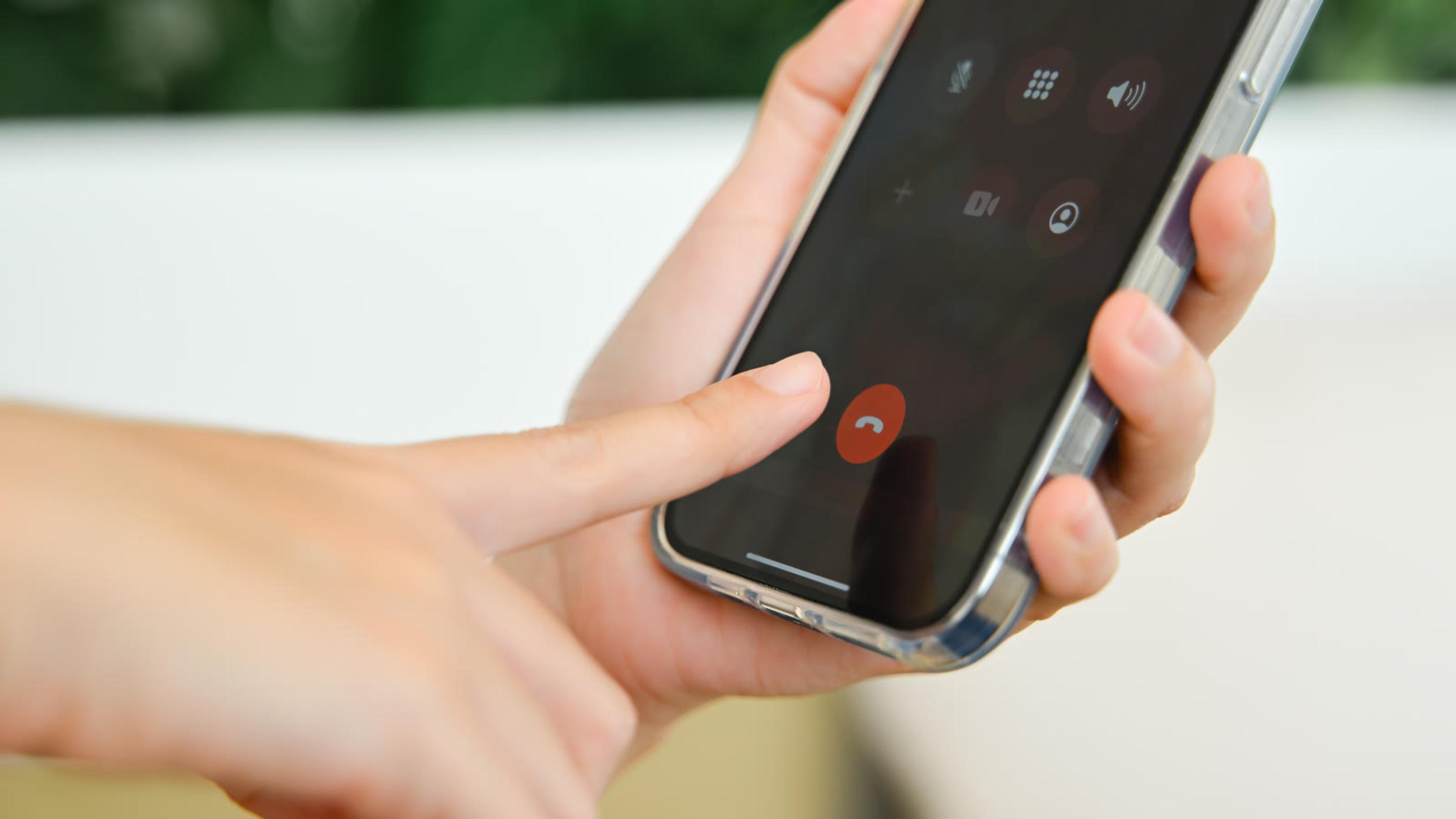
The users answer on softphone apps your customers' users answer on, on Windows, macOS, iOS and Android, and you invite them by email, QR code or setup link.
What should you check before rolling out virtual numbers?
Work through this checklist with each customer before you switch numbers on:
- Which carrier or SIP trunk will supply the numbers? Our guide to choosing a SIP trunk provider helps you compare options
- Does the customer already have numbers, and who will move them if they do?
- What call flow does each number need: a menu, a ring group, a queue or an out-of-hours route?
- Which outbound caller ID will each user present? See outbound caller ID on a business phone system
- Which apps will users run, and how will you onboard them: email invite, QR code or setup link?
- Will you run the platform yourself, or have SessionTalk host it?
Writing the answers down per customer saves rework. It also gives you a repeatable onboarding sheet, so the second customer takes far less time than the first.
One more point is worth settling early: who owns the carrier relationship. With SessionPBX, you bring the trunk, so the number supply, the billing for numbers and calls and any carrier questions stay with you and your carrier. That keeps the roles clear and lets you choose a carrier that suits each customer's market.
If a customer is comparing a number app with a full system, our post on virtual phone systems versus a hosted PBX sets out the trade-offs, so you do not need to repeat that argument here.

FAQ
What is a virtual phone number?
A virtual phone number is a number that is not tied to a physical line or a single SIM. Calls to it travel over the internet and ring apps, phones or a call flow, so the same number can follow a person across devices and locations.
Is a virtual number the same as a VoIP number?
They are close. Both use the internet instead of a fixed line, and "virtual" stresses that the number is not bound to one place or device. For the end-user explanation, see our guide to what a VoIP number is.
Can a UK business get a USA virtual phone number?
Yes, if it gets the number from a carrier that supplies US numbers. The number then arrives over your SIP trunk and can be routed on the same phone system as your UK numbers. Check availability and rules with the carrier first.
Can I answer a virtual number on my mobile and computer?
Yes. With softphone apps for Windows, macOS, iOS and Android, the same extension can ring on a laptop and a phone, and the user answers on whichever is closer. Push notifications help incoming calls reach the mobile app.
Can resellers offer virtual numbers under their own service?
Yes. The numbers come from your own SIP trunk, and routing and apps come from SessionPBX, either self-hosted or hosted by SessionTalk. You bill your customers directly, so you decide how to present and package the service.
Do I need a SIP trunk?
Yes, for calls to and from outside numbers. Bring your own trunk from any SIP-compliant carrier. Calls between team members on the same system are included, so the trunk is only needed for external numbers and calls.
Offer virtual numbers with a full phone system
Want to give customers virtual numbers with a full phone system and apps? Become a SessionPBX partner and see how hosted and self-hosted options work. You can also see SessionPBX features first.