What Is a SIP Phone? Meaning, Types and Uses
Tom Reed · Updated 13 November 2026
A SIP phone is any device or app that makes voice calls over an IP network using the Session Initiation Protocol. It can be a desk handset or a softphone app on a phone or computer. Both register to a PBX or SIP provider, so the choice is about how your team works, not how calls connect.
This article explains what SIP phone means, the main types you will see, how a SIP phone differs from a softphone, and how a handset or app registers to a PBX. It also helps you decide when a desk device, a softphone, or both is the right fit, and what to have in place before you switch.
What does SIP phone mean?
SIP stands for Session Initiation Protocol. It is the signalling standard that sets up, manages and ends a voice session — and, where the system supports it, a video session — over an IP network. A SIP phone is simply a phone, in hardware or in software, that speaks that protocol.
To place and receive calls, the SIP phone registers with a PBX or a SIP provider. Registration is how the phone tells the system that this user is reachable at this device. The PBX or provider then offers inbound calls to that registration and accepts outbound calls from it, using the account you were given. If the phone is not registered, inbound calls cannot be delivered to it, and outbound calls will not be accepted under that account.
This is also why SIP phones took the place of analogue lines in business telephone setups. An analogue desk phone needs a dedicated telephone circuit back to a phone system or exchange. A SIP phone uses the same data network you already run for laptops and Wi-Fi, so voice shares that path instead of a separate copper pair. You still need a SIP account on a PBX or from a provider, and you still have extensions and business numbers; what changes is the transport, not the idea of a business phone.
The term "SIP telephone" points at the same thing. Whether someone says SIP phone, SIP telephone, or SIP handset, they mean a device or app that uses SIP to make calls over IP.
What types of SIP phone are there?
A SIP phone is a category, not a single product shape. The same SIP account can often land on more than one type of device, which is why a team can mix a desk handset in one role with a softphone in another. The table below compares the types you will usually meet.
| Type | What it is | Best for | Needs |
|---|---|---|---|
| Desk handset | A physical office phone that speaks SIP rather than analogue signalling | A fixed desk, a reception position, or anyone who wants keys in the same place every day | A SIP-capable handset, a network connection, and a SIP account on a PBX or provider |
| Softphone (mobile or desktop) | A SIP phone delivered as an app on a computer or smartphone | People who already work on a laptop or carry a phone, including remote and mobile staff | A computer or smartphone, a headset, a softphone app, and a SIP account |
| Conference phone | A SIP device built for a meeting room, with microphones and speakers meant to cover a table | Shared meeting rooms and huddle spaces | A SIP conference unit, a room network connection, and a SIP account |
| ATA-adapted analogue phone | An existing analogue handset kept in service through an analogue telephone adapter that registers over SIP | Desks that already have an analogue phone you want to keep | The analogue phone, an analogue telephone adapter, a network connection, and a SIP account |
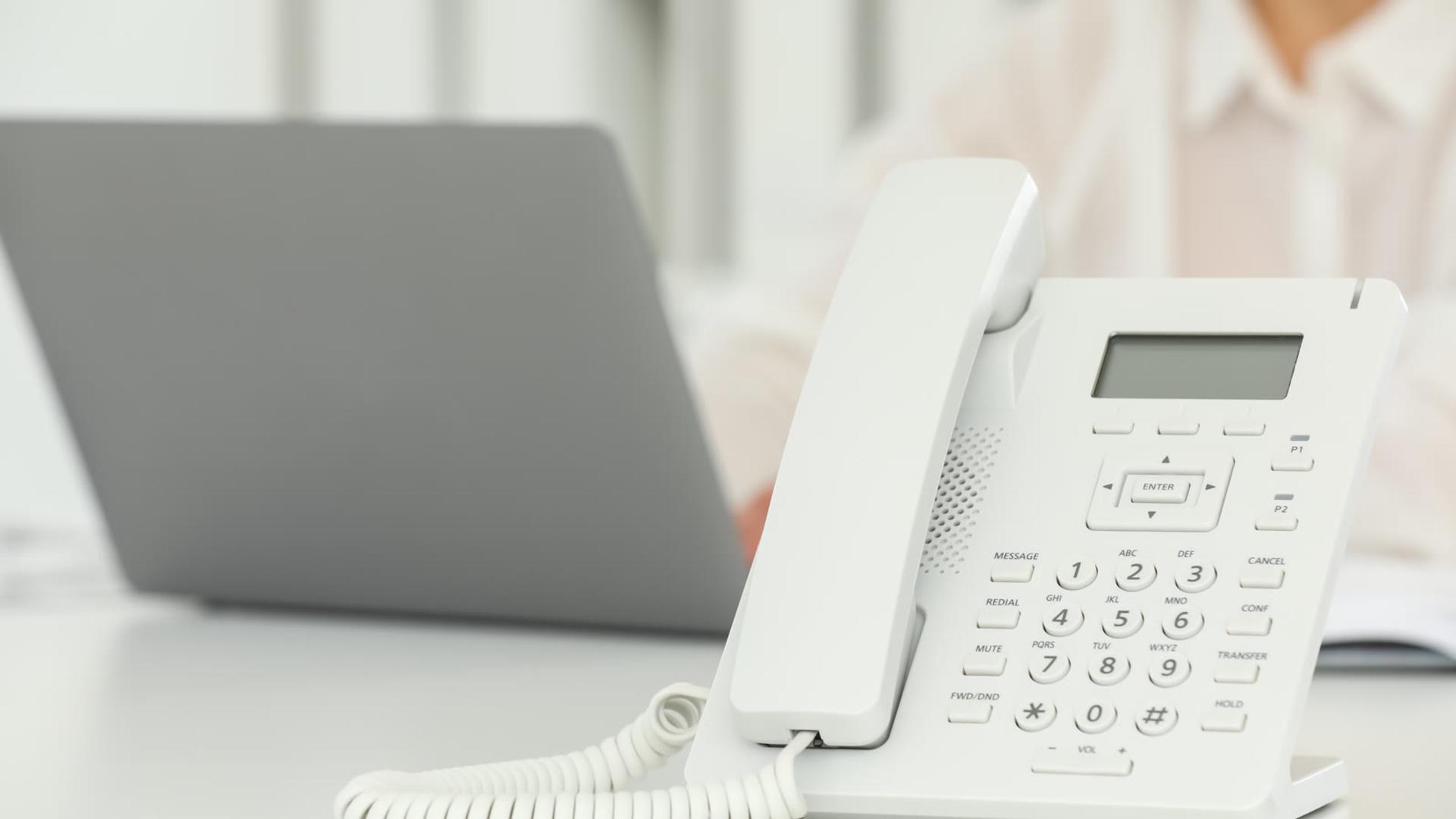
A desk handset is the familiar office phone, but it speaks SIP. This post does not recommend a particular handset brand or model; what matters is that the device is a SIP phone and that you have a SIP account for it to register.
A softphone is a SIP phone in software. On a computer, a desktop softphone for Windows and macOS can sit alongside the rest of the workday apps. SessionTalk's desktop app also includes HD voice, 6 concurrent lines, 6-way conferencing and BLF, so a receptionist or agent can see who is free, ringing or already on a call. On a smartphone the same idea applies with a mobile app — that route is covered in the section on when to use each option.
SessionTalk's SIP softphone apps for iOS, Android, Windows and macOS are this software type: they register over SIP, they work with any SIP platform, and they can be set up with QR or cloud provisioning rather than by typing every field.
A conference phone is a SIP device for a meeting room rather than one person's desk. An ATA-adapted analogue phone is the older handset kept in service: the adapter holds the SIP account and registers on behalf of the analogue phone, so you do not have to replace every handset on day one.

How is a SIP phone different from a softphone?
People sometimes use "SIP phone" and "softphone" as if they were the same thing. They overlap, but they are not identical.
A softphone is a SIP phone delivered as software on a device you already have — a computer, a tablet or a smartphone. A SIP desk handset is also a SIP phone, just in hardware. So every softphone is a SIP phone, but not every SIP phone is a softphone. The protocol is the same; the form is what changes.
That distinction is useful when you are buying or writing a rollout plan. If you ask for "SIP phones" you might be offered desk handsets, conference units, softphone apps, or a mix. If you ask for a "softphone" you are asking for the software option. Both register to a PBX or SIP provider in the same basic way, which is why a mixed estate can share one phone system.
If you want the software side in more depth, read what a softphone is and how it works. If you are choosing between a software client and a physical desk device, softphone versus desk phone for business walks through that choice.
How does a SIP phone connect to a PBX?
Regardless of type, a SIP phone needs an account and a place to register. In the manual path, that usually means a SIP server address, a username and a password. The phone or app sends a registration request. If the credentials are accepted, the device stays registered so calls can be offered to it and placed from it.
When registration fails, the cause is often a mistyped server name, a wrong username or password, or a request the PBX or provider rejects. For the software side of that problem, see how to fix softphone SIP registration failures.
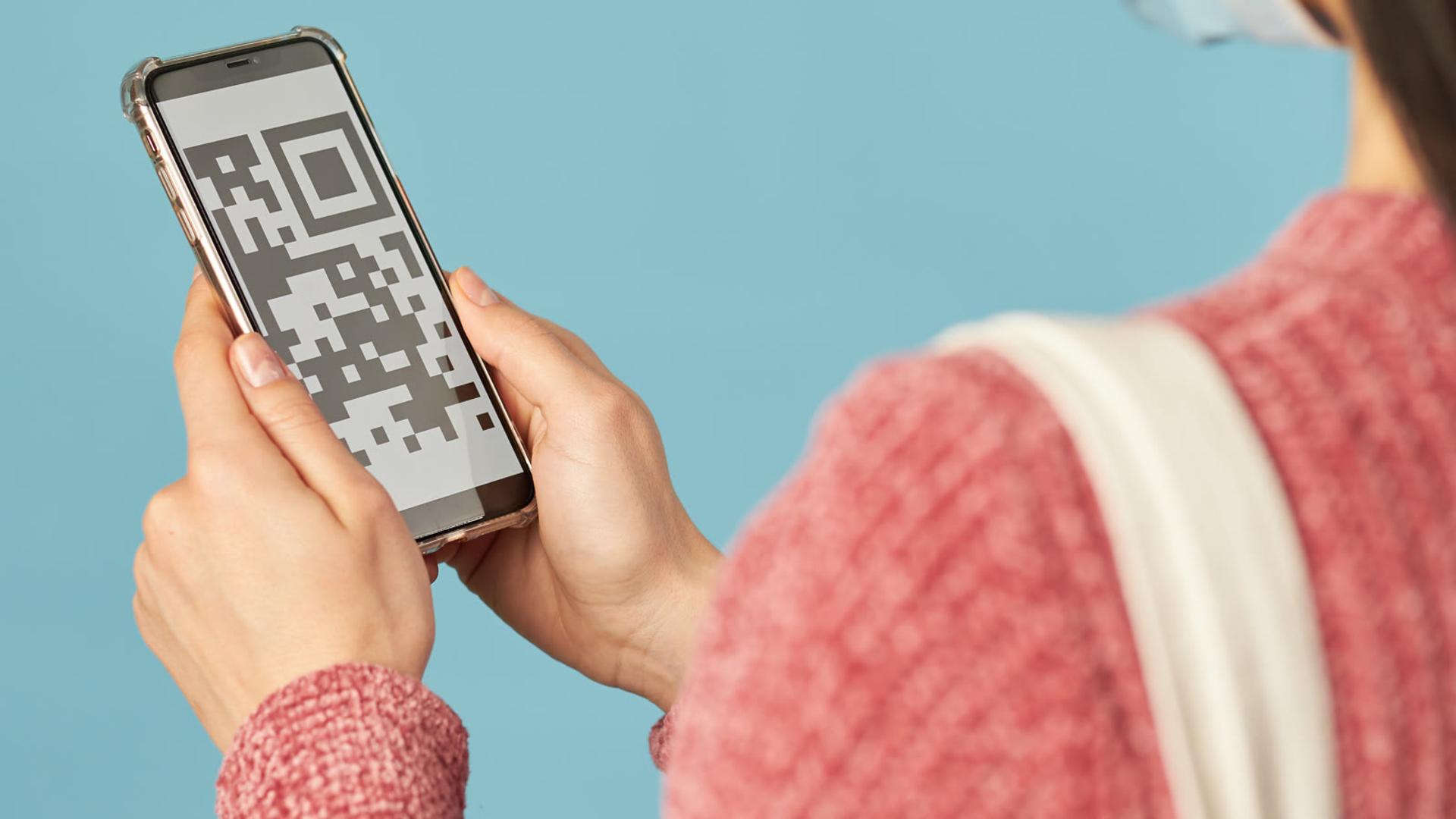
SessionTalk's softphone apps can skip most of that typing. You can cloud-provision SIP credentials and, on a phone, let the user scan a QR code so the app receives its settings in one step. Desktop setup can use a setup link from the same portal. The phone still registers over SIP to your PBX or provider; the difference is how the settings arrive, not the protocol they use once they do.
That path is also how a hosted PBX typically hands a new person their phone. You create the account in the portal, then the user installs the app and scans the code or follows the setup link, instead of copying server details out of an email.
When should a business use a SIP phone, a softphone, or both?
Use the checklist below as a practical way to match the device to the role. You can use more than one type on the same system, because they all register over SIP.

Checklist: choosing a SIP phone, a softphone, or both
- Remote staff: a softphone on a laptop or phone lets people register from wherever they already work, without putting a desk handset on a home table.
- Reception desk: a desk SIP handset, a desktop softphone, or both can work. A fixed handset is familiar at a front desk; a desktop app adds BLF on the SessionTalk desktop softphone, which helps a receptionist see who is free, ringing or already on a call.
- Shared spaces: a conference SIP phone fits a meeting room. A softphone is a poor shared-room device if it lives on one person's laptop.
- Mobile workers: an iOS and Android softphone turns the smartphone they carry into a SIP phone, so work calls can follow them without a second physical handset. SessionTalk's mobile apps include HD voice and push notifications, with QR provisioning so users do not have to type SIP credentials.
- Call centre agents: a desktop softphone is usually the better fit at a screen-based desk, because the SessionTalk desktop app can handle 6 concurrent lines, 6-way conferencing and BLF alongside the rest of the agent's tools. A desk handset can still sit beside it if the team wants a hardware fallback.
- Hardware you already have: if people already have laptops and phones, a softphone uses those devices. If a role needs a device that only makes calls and never leaves the desk, a SIP handset is the simpler object to put there.
A mixed rollout is straightforward: a handset on the reception desk, a conference phone in the meeting room, and a softphone for people who move around. The accounts still live on the same PBX or provider.
What do you need before you switch?
Have the basics in place before you move a whole team at once. The checklist below is the short version.
Checklist: before you switch
- Network and Wi-Fi quality: voice shares your data network. Check that desks and the places people work have a stable wired or Wi-Fi connection before you move everyone together.
- A headset: for a softphone on a computer or mobile phone, give the user a headset the device can use, so they can hear and be heard clearly. You do not need a particular brand.
- A PBX or provider account: each SIP phone needs a SIP account on a PBX or from a SIP provider, plus the server details or a provisioning method that supplies them.
- A provisioning method: decide whether users will type the server, username and password, or whether you will use QR or cloud provisioning for the SessionTalk apps so settings are pushed from the portal.
- Push notifications on mobile: if people will take calls on an iOS or Android softphone, turn on push notifications so inbound calls can reach the app when it is not open.
Try one inbound and one outbound call on a single device before you move the rest of the team. If that device registers and the audio is clear, the same path should work for the next person on the same system.
Pair it with a hosted PBX: whichever phones your team picks, they register to a hosted PBX; see our PBX phone system guide for how the pieces fit.
FAQ
Is a SIP phone the same as a VoIP phone?
VoIP means carrying voice over an IP network. SIP is a signalling protocol used to set up, manage and end those calls. A SIP phone is a type of VoIP phone: a device or app that uses SIP for that signalling. The terms are often used as if they were the same, but VoIP is the broader idea of calling over IP.
Do I need special hardware?
No. A SIP phone can be a desk handset or conference unit, or a softphone app on a computer or smartphone you already have. If you keep an analogue handset, an analogue telephone adapter can register over SIP on its behalf. You still need a SIP account on a PBX or from a provider, and a network path the phone or app can use.
Can I use my smartphone as a SIP phone?
Yes. Install a SIP softphone app and register it with your PBX or SIP provider, and the smartphone becomes a SIP phone for that account. SessionTalk's apps run on iOS and Android, with HD voice and QR or cloud provisioning so users do not have to type every SIP field. Enable push notifications so inbound calls can reach the app when it is not open.
Does a SIP phone work with any PBX?
A SIP phone registers to a SIP-compatible PBX or SIP provider; if the system does not speak SIP, the phone will not register to it. SessionTalk's softphone apps are built to work with any SIP platform, so the same app can register to the system you already use. A desk handset follows the same rule: it needs SIP credentials and a SIP-capable system.
Is SIP phone the same as a softphone?
No. A softphone is a SIP phone delivered as an app on a computer or phone. A SIP desk handset or conference phone is also a SIP phone, but it is hardware, not a softphone. Both register over SIP, so a team can run both on the same system.
Ready to try a SIP softphone with your team? Start a free trial of SessionTalk's softphone apps.