What Is a SIP Endpoint? Softphones, Desk Phones and ATAs

Tom Reed · Updated 22 November 2026
A SIP endpoint is any device or app that registers with a PBX or SIP trunk to make and receive calls over the internet. It can be a softphone on a phone or computer, a desk phone, or an adapter for an analogue handset. The PBX routes calls to whichever endpoints are registered.
This guide is for IT admins, MSPs and small-business owners who are new to SIP. It explains what an endpoint is, the main types, how an endpoint registers, and what to check when you choose them. You will also see the other names people use for the same thing: a SIP device, a SIP client or a SIP user agent.
What is a SIP endpoint?
SIP, the Session Initiation Protocol, is the signalling language that phones and phone systems use to set up, change and end calls. In any SIP setup there are two sides. One side is the server that keeps track of who is where and sends calls to the right place. The other side is the endpoint, which is the thing a person actually talks into.
That gives you a simple way to separate three terms that are often mixed up:
- The endpoint is the phone, app or adapter that a user holds, wears or opens.
- The PBX is the phone system that holds extensions and decides where a call goes.
- The trunk is the connection that carries calls between the PBX and the wider phone network.
An endpoint does not route calls by itself. It signs in to a SIP registrar, which is usually the PBX or a provider, and says "I am this extension, and this is where to reach me". From then on, the PBX can send incoming calls to it, and the endpoint can place outgoing calls through it.
You may hear "SIP user agent" or "SIP client" used in the same way. These are just different names for the endpoint side of the conversation. If you are specifically asking about the handset, our explainer on what a SIP phone is covers that. A SIP phone is one kind of endpoint, but not the only kind.
What types of SIP endpoint are there?
There are three common types. They all do the same job, which is to register and carry calls, but they suit different people and different places. Use this table to compare them:
| Type | What it is | Best for | How it is set up |
|---|---|---|---|
| Softphone | A calling app on a phone, tablet or computer | Mobile staff, remote and hybrid teams, anyone who moves between devices | Install the app, then enter the account details or scan a QR code or setup link |
| SIP desk phone | A physical handset that connects to the network and registers by itself | Reception desks, shared spaces and people who want a dedicated phone on the desk | Plug it in, then load the account details through its web page or a provisioning file |
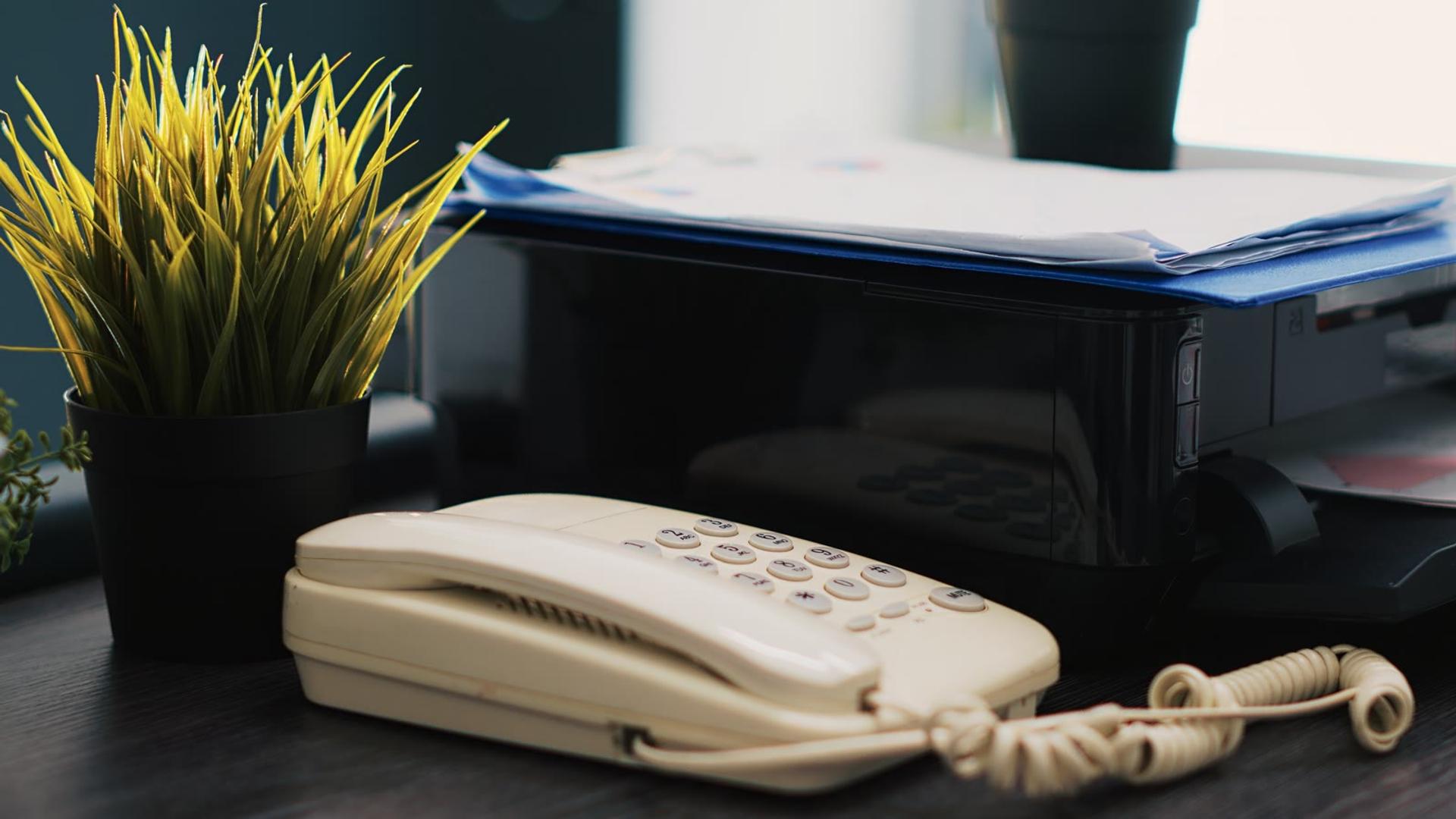
| ATA (analogue telephone adapter) | A small box that lets an analogue handset, fax or door phone register as a SIP endpoint | Sites that already own analogue phones and want to keep using them | Connect the handset to the adapter, then enter the account details on the adapter |
Most real deployments mix them. A front desk might use a desk phone, a manager might use a softphone on a laptop and a mobile, and a back office might keep a few analogue handsets on adapters. Because they all register to the same PBX, a caller cannot tell which type answered.
The practical difference is in how much work each one takes to look after. A desk phone is a piece of hardware that someone has to buy, unpack, plug in and configure. An adapter is similar. A softphone is software, so it can be sent to a person's own device in minutes, and it goes wherever they go. That is why a softphone is often the default endpoint, with physical devices added only where they are needed.
SessionTalk makes SIP softphone apps for iOS, Android, Windows and macOS. See the full range of SIP softphone apps for iOS, Android, Windows and macOS. The apps work with any SIP-based PBX or hosted platform, so they can be the endpoint on whatever phone system you already run.
How does a SIP endpoint register to a PBX?
Registration is how an endpoint tells the PBX that it is online and where to find it. The endpoint sends a request to the PBX with its account details, the PBX checks them, and if they are correct the endpoint is registered and ready to take calls.
Every endpoint needs the same small set of account details:
- Username, usually the extension or account name.
- Authentication ID, if the platform uses a separate one from the username.
- Password for that account.
- Domain or server address of the PBX or provider.
- Transport, which is how signalling travels, such as UDP, TCP or TLS.
Once these are entered, the endpoint registers and keeps refreshing that registration so the PBX knows it is still there. When someone calls the extension, the PBX looks up where it is registered and rings it. If a user has the same extension on a phone and a laptop, both can ring.
Typing these details into every device is slow, and a single wrong character stops the endpoint from registering. For softphones, provisioning removes that step. An admin generates a QR code in the cloud portal, the user scans it on mobile, and the settings load into the app. On Windows and macOS, the user follows a setup link instead. Our pages on the iOS and Android softphone and the desktop softphone for Windows and macOS show how this works on each platform.
Security is part of registration too. On desktop, SessionTalk's softphone uses TLS to protect signalling and SRTP to protect the media of the call. Whatever endpoints you choose, ask which of these they support before you roll them out.
What should you check when choosing endpoints?
Pick endpoints against what your people actually do, not the longest feature list. This checklist covers the points that matter most:
- Push notifications on mobile, so incoming calls ring even when the app is in the background
- Encryption: TLS for signalling and SRTP for media
- Several SIP accounts on one endpoint, in case a user has more than one line (SessionTalk's app supports up to 16 SIP accounts)
- The provisioning method: QR code, setup link, a provisioning file or manual entry
- Central management, so IT can change settings and onboard or offboard users without touching each device
- Messaging, including chat and group chat, so people do not need a second app
- A remote phonebook or LDAP, so contacts stay in step across devices
- Several call lines at once, and busy lamp field if people need to see who is free (SessionTalk's app handles several lines at once)
- Language coverage for a mixed workforce (SessionTalk includes 40+ languages)
Two questions sit behind this list. First, how will you set up and change the endpoint after day one? An endpoint that is easy to unpack but hard to update will cost time every month. Second, who has to be on site? A softphone can be provisioned remotely, while a desk phone or an adapter has to be physically connected.
Also test the unglamorous parts in a trial. Add a user, remove a user, change a setting and move to a new device. These daily tasks show you what each endpoint really costs to look after.
What if a SIP endpoint will not register?
When an endpoint will not register, the cause is nearly always one of a few simple things. Check the username, authentication ID and password first, because a single typo is the most common cause. Then check the domain or server address and the transport, and make sure the device can reach the PBX over the network. Finally, check that the account exists and is active on the PBX.
If the endpoint still stays offline, work through the error it reports step by step. Our guide to fixing softphone SIP registration failures explains what each error means and what to change.

Pair it with a hosted PBX
Pair it with a hosted PBX: your softphones and desk phones are the endpoints, and a hosted PBX gives them calling, voicemail, forwarding and team chat in one place. See what a PBX phone system does.
The split is easy to remember. Endpoints are where people make and answer calls. The PBX is where those calls are connected, forwarded and recorded in voicemail. You need both, and you can add each one when you are ready.
FAQ
Is a SIP endpoint the same as a SIP phone?
Not quite. A SIP phone is one kind of SIP endpoint. Softphones and analogue adapters are endpoints too. Think of "endpoint" as the wider category, and "SIP phone" as the handset inside it. The same account can ring on a desk phone, a mobile app and a laptop app at once.
Is a softphone a SIP endpoint?
Yes. A softphone is a calling app that registers to a PBX or SIP trunk, so it is an endpoint in the same way a desk phone is. The difference is that it runs on a phone, tablet or computer instead of on dedicated hardware.
Does a SIP endpoint need a PBX?
An endpoint needs a SIP registrar to sign in to. That is usually a PBX, but it can also be a provider that supplies SIP accounts. Without a registrar there is nothing to register to, and no way to route calls.
How many SIP accounts can one app run?
SessionTalk's softphone can run up to 16 SIP accounts at once, each with its own settings. That suits people who cover several lines, such as work and client numbers, because they can keep them all in one app instead of switching between several different apps.
Can I use the same app on mobile and desktop?
Yes. SessionTalk's softphone runs on iOS, Android, Windows and macOS, all managed from one cloud portal, so a user can have the same account on a phone and on a computer, and IT manages the apps in one place.
Get a softphone endpoint for your team
Ready to try it? See the SessionTalk softphones and choose the app that fits your team.